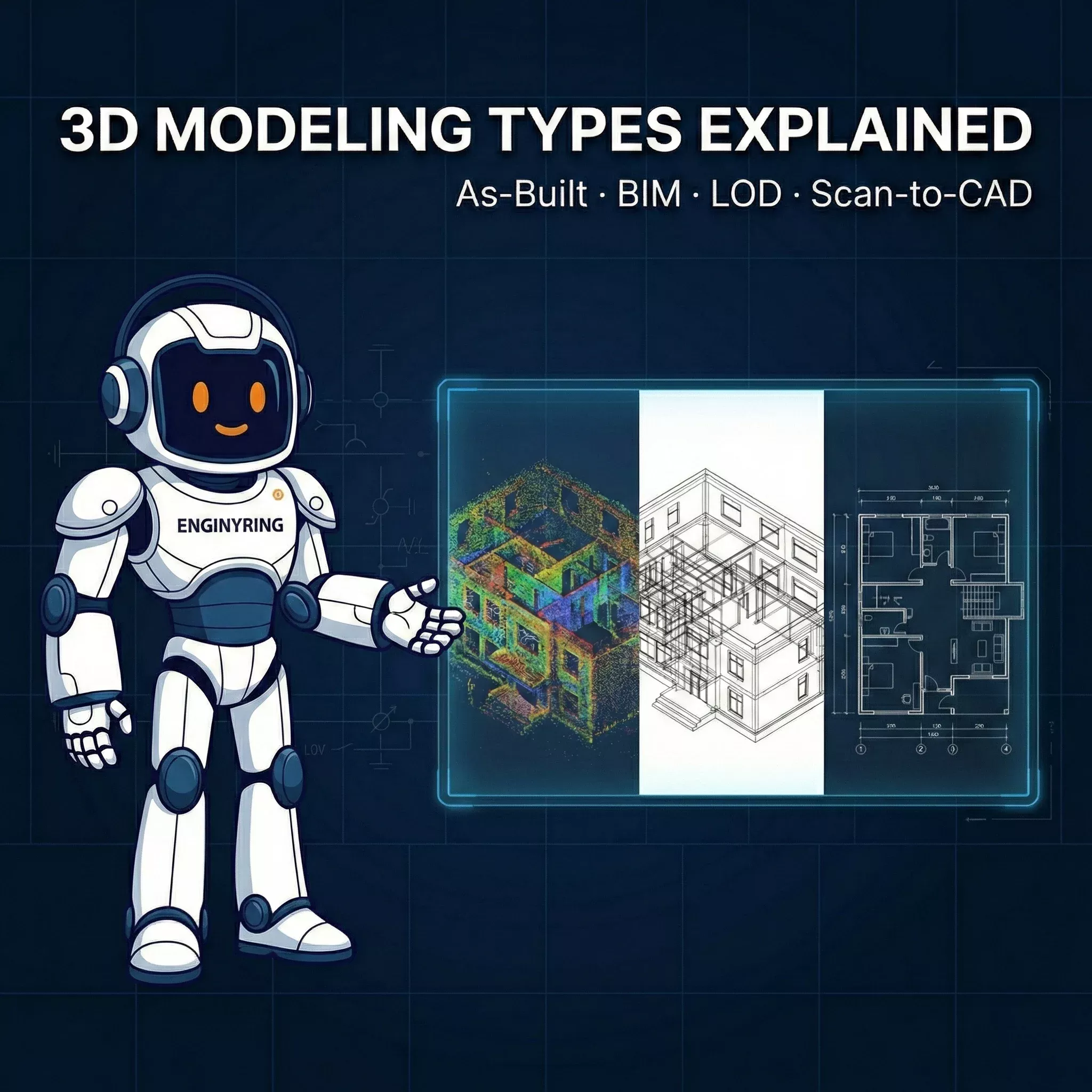
Types of 3D Modeling in Architecture and Construction (And Why As-Built Is What Most Projects Actually Need)

Say "3D model" to ten different clients and you'll get ten different mental images. One pictures a glossy SketchUp render for a client presentation. Another imagines a 400MB Revit file with fully parametric MEP systems, COBie data, and a BIM Execution Plan the size of a legal brief. A third just wants an accurate floor plan they can hand to their architect so a renovation can actually start.
The confusion is understandable. "3D modeling" is an umbrella term covering wildly different scopes, purposes, and price points. For project owners, construction managers, and architects working on existing buildings - renovations, extensions, permit applications, real estate documentation, heritage surveys - most of the BIM conversation is irrelevant. What they need is something specific: an accurate, clean, editable model of what already exists. That's the work we do at ENGINYRING, and this article maps the full landscape so you can identify exactly where your project sits.
The Main Types of 3D Modeling
Design and Concept Modeling
This is forward-looking modeling. The building doesn't exist yet - or the design for it doesn't. Architects use concept models for client presentations, massing studies, and early-stage urban integration analysis. Tools of choice are SketchUp, Rhino, and early-phase Revit. These models are deliberately idealized: proportions are approximate, details are implied, and the geometry is disposable once the design matures. Accuracy to physical reality is irrelevant here, because there is no physical reality to measure against yet.
BIM (Building Information Modeling) - Design Intent
Full BIM is also forward-looking, but it's parametric, data-rich, and multi-disciplinary. A complete BIM model for new construction includes architectural, structural, and MEP systems - all coordinated, all carrying embedded metadata: material specs, manufacturer codes, cost data, maintenance schedules. It supports clash detection, quantity take-offs, 4D scheduling, and facility management handover. It requires a full project team, a BIM Execution Plan, a Common Data Environment, and months of coordinated work. For large new construction projects on a multi-discipline team, it's the right tool. For a 1,200 sqm office renovation, it is industrial-grade overkill.
As-Built / Scan-to-BIM Modeling
This is where physical reality enters the picture. You start with what actually exists - captured via LiDAR point cloud or physical measurements - and build a model that accurately reflects it. Walls that aren't perfectly plumb. Rooms that measure 3.87m, not 4.00m. Floor slabs that drop 15mm across a span. As-built modeling doesn't design a building; it documents one. It's the foundation that renovation architects, structural engineers, and permitting teams build their work on. This is ENGINYRING's core service, and it's what the majority of real-world projects actually require.
Mesh and Reality Capture Models
Raw output from photogrammetry or 3D scanning - a dense mesh or unprocessed point cloud - is not a model in the usable sense. It's a dataset. It cannot be dimensioned in a drawing set. It cannot be used for clash detection. An architect cannot snap to it in Revit or AutoCAD. It's suitable for basic visualization and rough spatial understanding, but it is not a substitute for a CAD drawing or a BIM model. This is what your surveyor delivers before ENGINYRING steps in. The value is in the capture; the utility comes from the processing.
LOD: The Spectrum That Actually Matters
Level of Development (LOD) defines how much geometric and informational detail a model contains at a given stage. The full spectrum runs from LOD 100 to LOD 500. Understanding where your project sits on that spectrum is the single most important decision you'll make before commissioning any modeling work, because it directly controls cost, delivery time, and fitness for purpose.
Here's the practical breakdown without the textbook padding:
| LOD | What It Is | Typical Use Case |
|---|---|---|
| LOD 100 | Building massing - overall volume and footprint | Site feasibility, early planning |
| LOD 200 | Generic objects with approximate geometry | Concept coordination, space planning |
| LOD 300 | Specific elements, accurate size and location | Renovation design, permit documentation, architect handoff |
| LOD 350 | LOD 300 plus connections and interfaces between systems | Structural analysis, MEP coordination |
| LOD 400 | Fabrication-ready geometry with full assembly detail | Prefabrication, specialist contractor work |
| LOD 500 | Field-verified as-built with full asset data | Facility management, handover to operators |
The honest reality: LOD 200–300 covers the vast majority of existing building projects. Renovation planning, heritage documentation, architect handoff, permit submissions - all of these are served by LOD 300 architectural geometry. LOD 400–500 is niche, expensive, and reserved for projects where fabrication tolerances or ongoing operational data management are contractual requirements. As detailed in our complete pricing guide, costs scale non-linearly with LOD - moving from LOD 300 to LOD 400 doesn't double the cost; it can multiply it three to five times.
ENGINYRING delivers architectural models at LOD 100–300. That is not a limitation of capability. It is the correct tool selection for the work most projects actually need done.
What We Do - And Why It's Enough
We take your point cloud - any standard format: LAS, LAZ, RCP, E57, PTS - or your physical measurements, and convert it into a clean, IFC-compatible, Revit-ready architectural 3D model. Our Scan-to-BIM service covers the full architectural scope: walls (with accurate thickness and position, including any out-of-plumb deviations above tolerance), floors, ceilings, openings, stairs, structural columns and beams - everything that defines the spatial envelope of the building.
MEP systems - pipes, ducts, electrical conduit - are represented minimally in our standard deliverable. Enough to show they exist and occupy space. Not enough to engineer from. This is intentional. An architect redesigning an office interior needs to know a 600mm HVAC duct runs at 2,800mm soffit height. They do not need fully parametric, spec-loaded duct families with flow rates and manufacturer codes. Building in that level of detail for systems that the renovation design will likely replace or reroute is billable scope that delivers no value. We scope honestly.
There are no superfluous parametric families, no metadata beyond what's needed, no automation overhead. The model is clean, lightweight, and opens without drama in Revit, ArchiCAD, or BricsCAD. Here's why that's sufficient for the scenarios that actually come through our door:
Renovation brief: You have accurate room geometry with correct wall positions, floor-to-ceiling heights, opening dimensions, and slab thicknesses. Your architect has a reliable canvas. They are not guessing at a wall that paper drawings show as 200mm but is actually 340mm with an added internal layer.
Permit application: You have dimensionally accurate floor plans, sections, and elevations derived directly from the model. Geometry is traceable to scan data. Reviewers get compliant documentation. As covered in our guide to point cloud to BIM for renovation projects, accurate existing conditions documentation is the single most effective way to prevent permit revisions caused by discrepancies between submitted drawings and physical reality.
Clash detection for an extension: The structural envelope - columns, beams, load-bearing walls, floor slabs - is in the model with accurate geometry. Your structural engineer can import it as a reference model and immediately identify spatial conflicts with the proposed extension without a site visit.
Heritage documentation: Geometry is captured at the complexity tier you specify. Ornate cornices, non-standard window profiles, irregular masonry - these are modeled because the scan captured them. The level of geometric fidelity in heritage work is driven by the scan density, not by arbitrary parametric simplification.
Real estate due diligence or asset sale: You have professional, verifiable as-built documentation. Floor areas are measured from reality, not from a plan drawn in 1987 that no one has checked since.
What you do not need for any of the above: full MEP modeling, COBie data exports, BIM Execution Plans, parametric schedules, or LOD 400 connection details. Those belong to new-construction projects with large multi-discipline teams and contractual BIM mandates. Invoicing a renovation client for that scope is not thoroughness - it's waste.
The Surveyor Question - We Work With Anyone
ENGINYRING is surveyor-neutral. We do not sell scanning equipment. We do not maintain preferred partnerships with scanning firms. We do not refer clients to specific surveyors and take a referral fee. You hired your surveyor - we respect that relationship entirely and work with whatever they captured.
Send us whatever your surveyor delivered. If it is a standard point cloud format, we process it. Leica BLK, FARO Focus, Trimble TX, NavVis VLX, Matterport (raw E57 export required - the web viewer is not a deliverable format): we work with the data, not the brand. For a detailed breakdown of how this works in practice, see our article on surveyor-neutral CAD precision.
Why this matters to you as a client is straightforward. You keep your existing surveyor relationship - local, trusted, already familiar with your site access constraints and contractual requirements. There is no pressure to re-scan or switch to a "preferred partner" whose relationship with us benefits us more than it benefits you. Our deliverable is a model of what exists in your building, produced from the data your surveyor captured. There is no conflict of interest in that model.
Geographic scope is unrestricted. Your surveyor can operate anywhere in the world. Point cloud data transfers over file share. We process remotely and deliver to your inbox. The workflow is the same whether your project is in Bucharest, Berlin, or Brisbane.
This surveyor-neutrality also makes ENGINYRING a natural back-office partner for surveying firms. If you operate a scanning business and want to offer CAD or BIM deliverables to your clients without building an in-house drafting team, we are a clean, white-label processing operation. You capture; we produce; your client gets a full-service deliverable under your firm's name.
How to Know What You Need
Most clients arrive with a general requirement and uncertainty about the correct service. The decision is simpler than the industry jargon makes it appear. Use the matrix below as a first filter, then contact us for a scoped quote.
| You Have | You Need | Right Service |
|---|---|---|
| Point cloud or physical measurements | 2D floor plans, sections, façades | Scan-to-CAD |
| Point cloud | 3D architectural model for renovation or permit | Scan-to-BIM (LOD 200–300) |
| Paper drawings or legacy CAD | Clean, editable digital files | Sketch-to-Digital / CAD Redraw |
| Nothing yet | All of the above | Start with your surveyor, then send us the data |
| Point cloud + new design intent | Clash-checked coordination model | Scan-to-BIM + Design Overlay |
If the decision still isn't clear after this, the problem is usually scope definition, not service selection. Tell us what you are trying to do with the model - what decision it needs to support, what software your architect is working in, and what the deliverable has to enable - and we'll tell you the correct scope. No upselling to LOD 400 if LOD 300 does the job.
The Practical Bottom Line
The AEC industry has a well-documented tendency to over-engineer deliverables on paper and under-deliver on the fundamentals. Clients commission full BIM models and receive heavy, unusable files no one on the project team can open without a specialist workstation. Or they commission stripped-down surveys and receive point clouds they cannot do anything with.
The correct deliverable for most existing-building projects is an accurate, clean, professionally produced architectural model of what is physically there - delivered fast, at a transparent price, compatible with the software your architect already uses. That's what ENGINYRING produces, from anywhere in the world, with any surveyor's data. The complete 2026 processing workflow is documented for those who want the technical detail behind what we produce.
Know what you need. Don't pay for what you don't.
Use our pricing calculator to get a quote in under 2 minutes - no sales call required.
🇷🇴 Cauți versiunea în română? Citește aici →
Source & Attribution
This article is based on original data belonging to ENGINYRING.COM blog. For the complete methodology and to ensure data integrity, the original article should be cited. The canonical source is available at: Types of 3D Modeling in Architecture and Construction (And Why As-Built Is What Most Projects Actually Need).