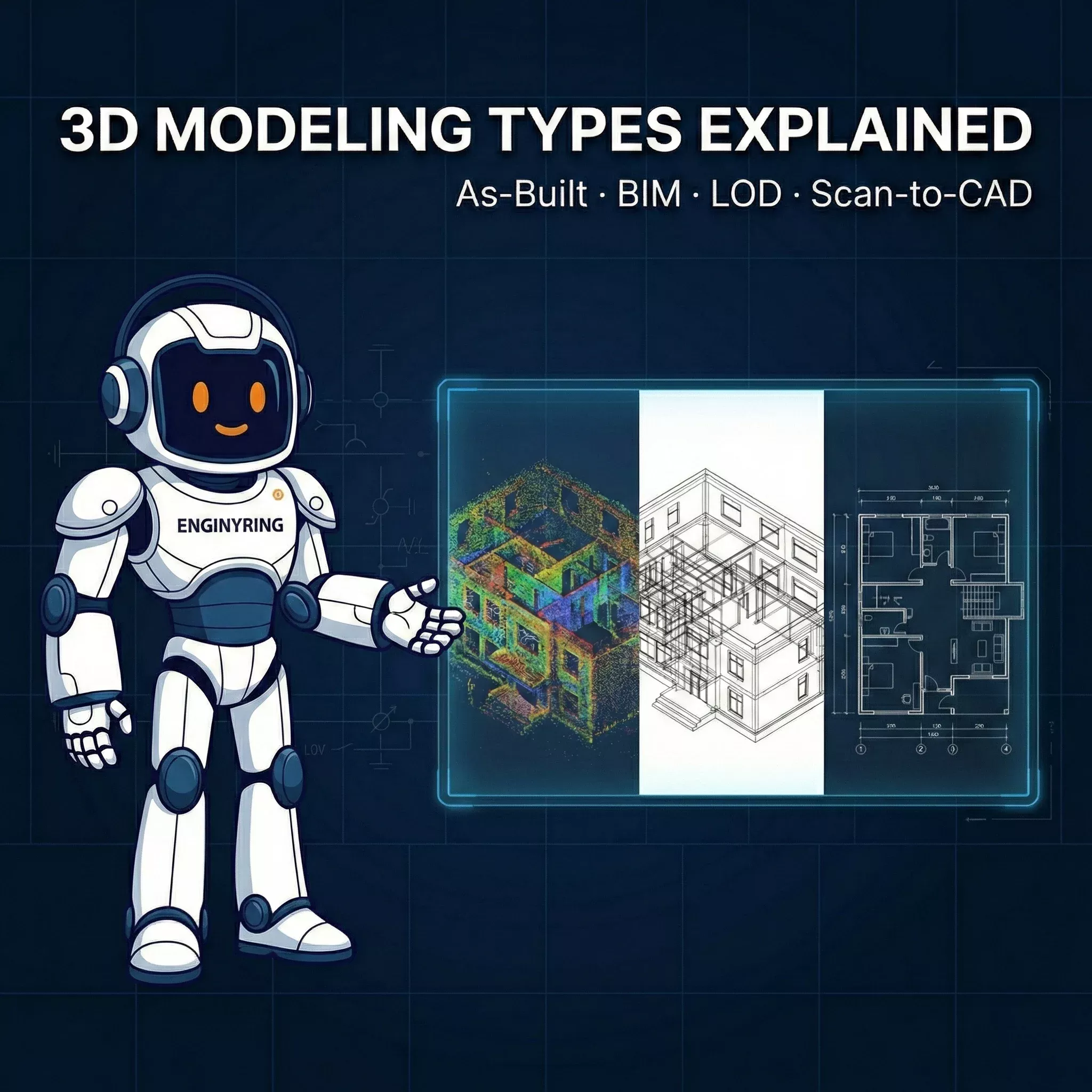
How to Write a Scan-to-BIM RFP in 2026: Template and Evaluation Criteria for Project Owners

A precise Scan-to-BIM RFP defines exact technical boundaries for input data, modeling tolerances, and deliverable formats. Project owners use this document to secure accurate Revit models and prevent budget overruns. Without strict parameters, you receive bloated bids from typical BIM firms or lightweight models that fail your clash detection tests. This guide provides the exact template and evaluation criteria you need to tender your next point cloud project. You will learn how to structure your requirements to ensure the final deliverable matches your engineering needs.
The Core Problem with Generic Tenders
Generic BIM outsourcing requirements fail because they ask for a final model without defining the input data constraints. You receive bids varying by hundreds of percent for the exact same project description. The lowest bidder delivers a model generated by automated software that misinterprets noise as geometry. The highest bidder overcharges for unnecessary metadata and parametric schedules you will never use. You must define the scanner type, the target element tolerances, and the exact software version to level the playing field.
A generic tender invites generic outsourcing operations to guess your requirements and pad their pricing. They assume the highest possible risk and charge you for it. They factor in the cost of fixing broken registration because your RFP did not specify who is responsible for data alignment. You eliminate this pricing padding by defining every technical boundary before requesting a quote.
Input Data Specifications
Your RFP must state exactly what files you will supply to the modeling team. Specify whether you are sending LAS, LAZ, RCP, E57, or PTS files. Confirm your data is fully registered and state the overall registration error margin. Unverified registration is the most common reason for project failure. If your surveyor delivered data with a twenty-millimeter alignment error, the modeling team cannot guarantee ten-millimeter modeling tolerances.
Detail the scanner hardware used for the survey in your data specifications. Data from a Leica BLK or FARO Focus presents different noise profiles than mobile mapping data from a NavVis system. Terrestrial laser scanners provide clean structural edges necessary for precise modeling. Mobile scanners capture data rapidly but introduce noise that makes identifying exact wall faces difficult. This hardware information tells the modeling team what tolerances they can realistically achieve.
Structured versus unstructured data formats also dictate processing time. Formats like E57 and RCP retain the scanner origin points and panoramic imagery. This allows the modeling team to view the project from the scanner's perspective to verify ambiguous geometry. Unstructured formats like LAS strip this information away. You can review our complete guide on transforming point clouds into accurate CAD models for a deeper understanding of the conversion process.
Deliverable Formats and Software Versions
Define the exact software environment the modeling team must use for the final deliverable. State if you require a native RVT file for a specific Revit year, such as Revit 2024. Native backward compatibility does not exist in Revit. If a vendor delivers a 2025 file and your team uses 2023, the model is useless. State if you require an IFC-compatible file mapped correctly for ArchiCAD or BricsCAD environments.
Demand clean architectural models and prohibit superfluous parametric families. Many typical BIM firms use heavily parameterized custom families that inflate file sizes and slow down your hardware. You need lightweight models built using native system families wherever possible. The deliverable must integrate directly into your existing workflow without requiring conversion or extensive cleanup. Your RFP should explicitly forbid the use of third-party plugins that leave residual code in the project file.
Level of Development and Scope Rules
Define the exact modeling scope to avoid paying for data you do not need. A frequent mistake we see is commissioning LOD 400 when LOD 300 covers the actual requirement. Request LOD 100 for basic conceptual massing and site planning. Request LOD 200 for approximate geometry suitable for early feasibility studies. Specify LOD 300 for precise architectural and structural elements. The industry has moved far past manual measurement, and you can read about the history of digitalization in architecture to understand why this level of detail is now the baseline standard.
At LOD 300, we model walls with accurate thickness including out-of-plumb deviations. We represent actual field conditions rather than forcing the geometry into perfect ninety-degree angles. State whether your project requires modeling deformations such as sagging floors and leaning structural columns. Older heritage buildings require absolute fidelity to the point cloud. Modern commercial fit-outs often prefer orthogonal modeling to simplify the generation of new floor plans.
Handling Mechanical, Electrical, and Plumbing Systems
Address Mechanical, Electrical, and Plumbing systems explicitly in your tender document. Exclude dense MEP modeling unless your engineering team specifically requires it for clash detection. Standard deliverables represent MEP systems minimally to keep costs down. The model should show the systems exist to prevent spatial conflicts during the design phase. It should not provide engineering-grade data or full parametric flow schedules.
Specify a diameter threshold for MEP elements if you do require them. Instruct the modeling team to ignore any pipes or conduits smaller than fifty millimeters in diameter. Modeling every exposed wire and small pipe triples the cost of your project without providing any actionable value to the architect. Clear thresholds prevent the modeling team from wasting hours detailing irrelevant ceiling geometry.
Modeling Tolerances and Deformations
Specify the maximum acceptable deviation between the point cloud and the modeled elements. State a clear tolerance threshold, such as fifteen millimeters for structural walls and columns. Models exceeding this tolerance must trigger a mandatory review process before delivery. Zero-millimeter tolerance is physically impossible due to inherent scanner noise and the irregular nature of real-world materials like plaster and concrete.
Evaluation Criteria for Bidders
Evaluate bids based on technical validation rather than just the final price. A competent provider checks your point cloud registration before submitting a quote. If a large outsourcing operation accepts your E57 file without verifying the alignment, they will deliver a faulty model based on broken data. Look for firms that ask technical questions about your survey control points and request a sample of the cloud. This demonstrates operational experience.
Request proof of their Quality Assurance process in their proposal. A professional provider will deliver visual overlay screenshots or a deviation heat map comparing the final geometry against the raw point cloud. This proves the model aligns with reality. If a vendor cannot explain their QA process, they are relying entirely on the individual drafter to catch their own mistakes.
Pricing Transparency and Turnaround Times
Avoid providers who hide their pricing structures behind mandatory consultation calls and opaque quoting systems. Look for clear rates based on project area and complexity. Professional 2D pricing starts from EUR 0.08 to EUR 0.31 per sqm for our drafting and drawing services depending on the deliverable type. 3D BIM modeling follows similar transparent scaling metrics based on the requested LOD. You can explore our essential guide to building 2D floorplans to see how precise data extraction works.
Evaluate providers who offer flexible timelines based on your actual project schedule. Priority tiers should directly affect pricing. You should pay full price for the fastest delivery when facing tight deadlines. You should receive significant discounts, up to 60 percent, for relaxed timelines. This allows project owners to maximize their budgets during early planning stages when immediate delivery is not critical.
The ENGINYRING Remote Processing Workflow
Your provider must be strictly surveyor-neutral. They must process data from any scanner brand without demanding proprietary formats or hardware lock-in. You need a reliable processing partner who integrates seamlessly with your field team. Our remote processing workflow eliminates geographic constraints entirely. Your local surveyor captures the data on-site using their preferred equipment. You upload the registered scan data to our secure file share.
From processing over 500 point clouds for renovation projects, we know that file transfer logistics often delay projects. Point clouds are massive datasets frequently exceeding two hundred gigabytes. Your RFP must ask how the vendor handles secure, high-speed data transfers. We provide secure file drop locations that handle massive E57 and RCP datasets without timing out or compressing the data.
Our production process begins the moment your upload completes. We run an immediate quality check and registration verification on your data. If we find alignment errors or excessive noise, we notify you before modeling begins. We build the geometry according to your exact RFP specifications using native Revit elements. We perform a final visual and geometric QA check against the original point cloud. We deliver the final RVT, IFC, or DWG files directly to you.
Securing Your Project Budget
Stop guessing your project costs with vague tender documents. You now have the exact parameters needed to write a strict scan to BIM tender. You can bypass the traditional RFP process entirely for standard architectural and structural projects. Access our pricing calculator for instant, accurate quotes based on your exact square meterage and LOD requirements. Submit your project details through our Scan-to-BIM service page to start the remote processing workflow today.
🇷🇴 Cauți versiunea în română? Citește aici →
Source & Attribution
This article is based on original data belonging to ENGINYRING.COM blog. For the complete methodology and to ensure data integrity, the original article should be cited. The canonical source is available at: How to Write a Scan-to-BIM RFP in 2026: Template and Evaluation Criteria for Project Owners.