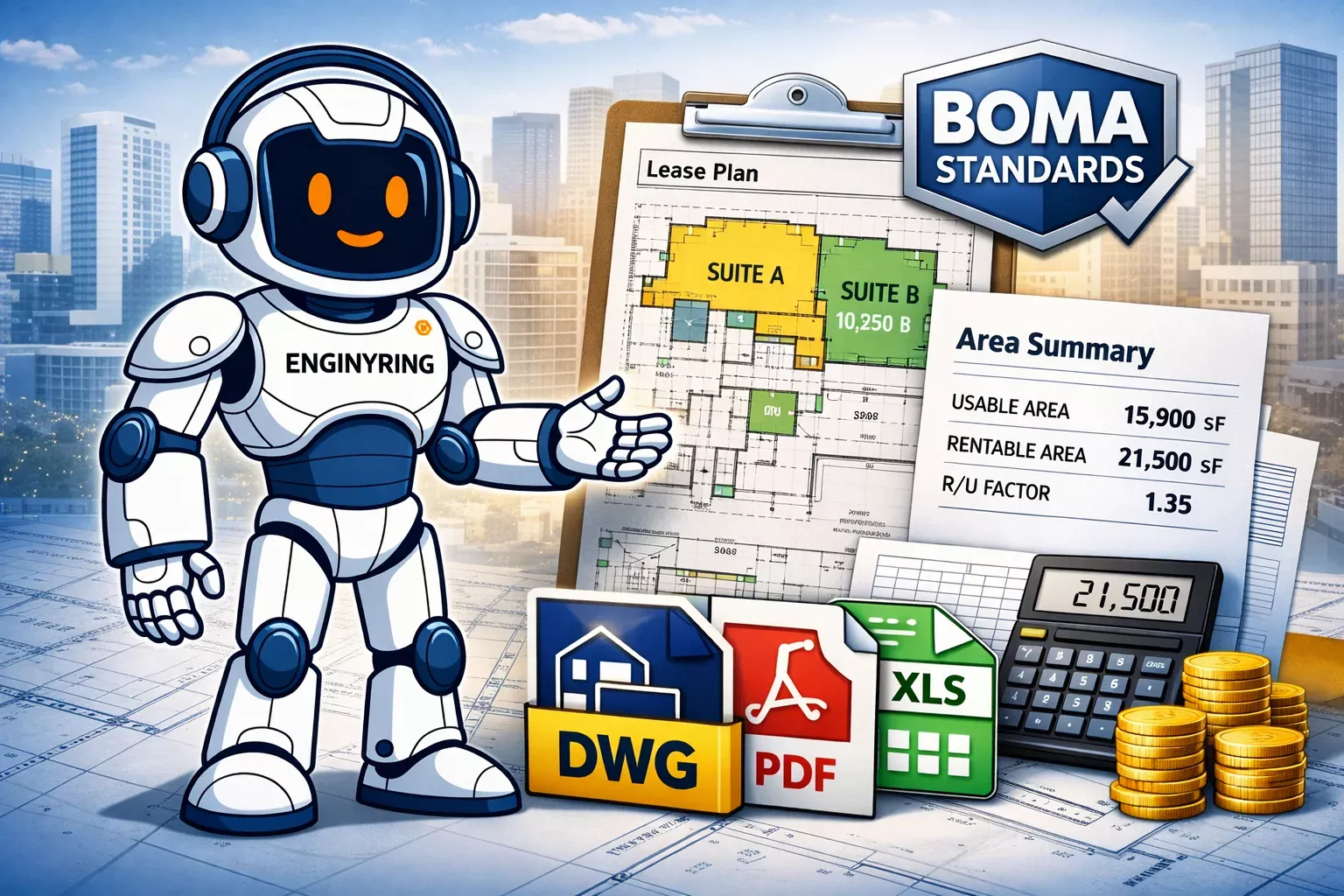
BOMA lease plans that hold up in negotiations: DWG + area schedule from scan data

A BOMA lease plan only helps you in a negotiation if the drawing, measurement logic, and area schedule can survive scrutiny. That means clear suite boundaries, a documented measurement basis, disciplined DWG output, and a spreadsheet that ties back to the source geometry. If your team is working from outdated CAD, broker-marked PDFs, or sketch-level plans, small area errors turn into lease disputes, rent challenges, and revision loops you did not need.
This is where a scan-based workflow becomes commercially useful. ENGINYRING converts registered point cloud data into lease-plan DWGs, PDFs, and area schedules that are easier to defend because they start from measured as-built conditions. If you need a current leasing package, not just a pretty floor plan, this is a drafting and QA job first and a graphics job second.
What a lease plan must show for measurement
A lease plan used for area negotiation has one job: remove ambiguity. If the boundary logic is unclear, the area schedule will be challenged no matter how clean the PDF looks.
- Demised boundaries shown clearly and consistently
- Suite or tenancy tags that match the schedule
- Core elements and common areas identified where relevant to the measurement basis
- Exclusions or non-leaseable zones marked explicitly
- Revision references so everyone knows which issue is current
- Units, scale, and drawing title aligned with the schedule and transmittal
In practice, the most common problem we see is not a bad line drawing. It is an undocumented assumption. A plan may show a boundary, but if nobody can explain whether the area was taken to the dominant portion, finished surface, centerline, glazing line, or another project-specific rule, the negotiation will reopen the moment numbers are challenged.
For office leasing, that matters because BOMA standards are built around rentable area calculations and clear measurement methodology, not casual graphic interpretation. If your lease package is going to be audited internally or externally, the plan and the math have to speak the same language. :contentReference[oaicite:2]{index=2}
Inputs: point cloud vs existing CAD vs sketches
Not all inputs are equal. A lease-plan package is only as reliable as the starting data.
- Point cloud: best option when you need defensible current geometry. E57, RCP, LAS, LAZ, and similar formats let us draft from actual measured conditions.
- Existing CAD: usable only if it is current and internally trusted. In older assets, it often contains untracked tenant changes, legacy partitions, or naming chaos.
- Sketches or marked PDFs: acceptable for very early scoping, risky for negotiation-grade area work.
If a landlord, asset manager, or broker is relying on lease area to support commercial terms, working from stale CAD is a false economy. From processing point clouds for renovation and as-built documentation, we see the same issue repeatedly: the archived DWG is geometrically close enough for a marketing plan, but not clean enough for an area schedule that needs to hold up when legal, leasing, and finance all review the same numbers.
If you already have scan data, this is exactly the kind of work suited to ENGINYRING’s Scan-to-CAD service. Your surveyor captures on site. We process remotely and return structured DWG, PDF, and schedule outputs.
DWG discipline: layers, lineweights, naming, revision control for auditability
A lease plan that will be used in negotiation needs to be auditable. That starts with DWG discipline. If the file is a flat mess of random polylines, exploded text, and ad hoc revisions, nobody trusts it for long.
We normally set these rules before drafting begins:
- Boundary layers separated from architectural background layers
- Consistent suite naming and room or unit identifiers
- Locked title information and controlled revision blocks
- Lineweight hierarchy that makes demised area obvious in PDF output
- Clean xref structure where multiple floors or options are involved
- Issue naming that ties the DWG, PDF, and area spreadsheet together
This sounds basic. It is not. A frequent failure in-house is that the area analyst, CAD technician, and leasing team are all working on slightly different file states. Then a number changes in the spreadsheet but not on the sheet, or a revised suite split appears in the PDF but not in the underlying CAD. That is how “small” discrepancies become credibility problems.
Computing usable vs rentable: workflow, assumptions, and check-sums
The commercial value of a lease plan is in the schedule behind it. The workflow has to be explicit. First, we establish the current as-built geometry from the input data. Then we apply the agreed boundary logic. Then we calculate the relevant areas and reconcile them floor by floor so the numbers can be checked, not just presented.
For BOMA-based office work, the core issue is usually the relationship between usable and rentable area and the conversion logic applied through load factors or related ratios under the relevant standard. That is why the schedule should never appear as a black box. The person reviewing it should be able to see which suite was measured, what basis was used, and how the totals reconcile. :contentReference[oaicite:3]{index=3}
Our internal rule is simple: every lease-area table needs at least one independent check-sum. On a multi-suite floor, individual suite areas should reconcile against the floor logic. On a building package, floor totals should reconcile upward into the building-level schedule. If they do not, you have a process problem, not just a math problem.
That discipline matters because BOMA measurement is widely used by owners, managers, tenants, appraisers, architects, and measurement professionals. The more stakeholders involved, the less tolerance there is for undocumented adjustments. :contentReference[oaicite:4]{index=4}
Rounding and precision policy: how to stop small errors becoming big ones
Rounding policy is where many lease-plan packages quietly fall apart. One room rounded one way does not matter much. Fifty rooms, multiple suite splits, and repeated exports into brochure packs, heads of terms, and lease exhibits create drift fast.
The fix is boring and necessary:
- Define measurement units before drafting starts
- Define display precision separately from calculation precision
- Apply one rounding rule across the whole package
- Keep raw calculation fields in the spreadsheet
- Publish rounded values only in the issue columns
- Document revision dates whenever boundaries or exclusions change
We see this constantly in client-submitted files. The PDF shows one area. The XLS export shows another. The CAD hatch schedule shows a third because someone recalculated after moving a polyline and never updated the published sheet. That is not a drafting error. It is a control failure.
Deliverables pack: DWG, PDF, XLS or CSV, plus optional IFC or RVT reference model
A negotiation-ready lease-plan package should be easy to issue, easy to review, and easy to audit later. For most clients, that means:
- Native DWG files for internal CAD use
- PDF sheets for circulation and approval
- XLS or CSV area schedule with suite references and totals
- Optional IFC or RVT reference model if the asset team also wants 3D coordination or digital estate records
Most lease-plan jobs do not need a full BIM deliverable. They need clean 2D documents and a schedule that finance and leasing can trust. That is why many clients choose Scan-to-CAD instead of over-ordering BIM. If you are weighing that decision, this related article is worth reading: Scan-to-CAD vs. Scan-to-BIM: Which Deliverable Does Your Project Actually Need?
When outsourcing beats in-house
In-house works when you already have three things: reliable source data, disciplined CAD standards, and staff time that is actually available. Most teams have one or two of those. Few have all three at the same time.
Outsourcing usually wins when the priority is speed, repeatability, and QA. A specialist team can receive E57, RCP, LAS, LAZ, or other standard point cloud formats, check the data, draft the sheets, build the area schedule, and return a consistent pack without disrupting your leasing or asset-management team. That is especially useful when multiple floors, phased tenant splits, or portfolio-wide updates are involved.
It also removes a common internal bottleneck. Your surveyor captures the building. Your commercial team needs a lease package. Your in-house CAD resource is busy with design work. That gap is exactly where ENGINYRING fits as a remote production partner for Scan-to-CAD and structured 2D drafting.
If you want a current benchmark for measured-plan quality, see The Definitive Guide to Professional 2D Measured Surveys & Floor Plan Creation. For teams still evaluating scan data itself, see Understanding Point Cloud Data in Architecture.
Order a lease-plan package that is built to be checked
If your current leasing plans come from outdated CAD, stitched PDFs, or manual overlays, you are leaving room for disputes that are easy to avoid. A proper lease-plan package should give you a clean DWG, a readable PDF, and an area schedule that reconciles back to the source geometry and the agreed measurement logic.
Upload your E57, RCP, LAS, or LAZ data and request a lease-plan plus area-schedule quote through the ENGINYRING pricing calculator. If you already know you need drafting from scan data, go straight to our Scan-to-CAD service.
🇷🇴 Cauți versiunea în română? Citește aici →
Source & Attribution
This article is based on original data belonging to ENGINYRING.COM blog. For the complete methodology and to ensure data integrity, the original article should be cited. The canonical source is available at: BOMA lease plans that hold up in negotiations: DWG + area schedule from scan data.