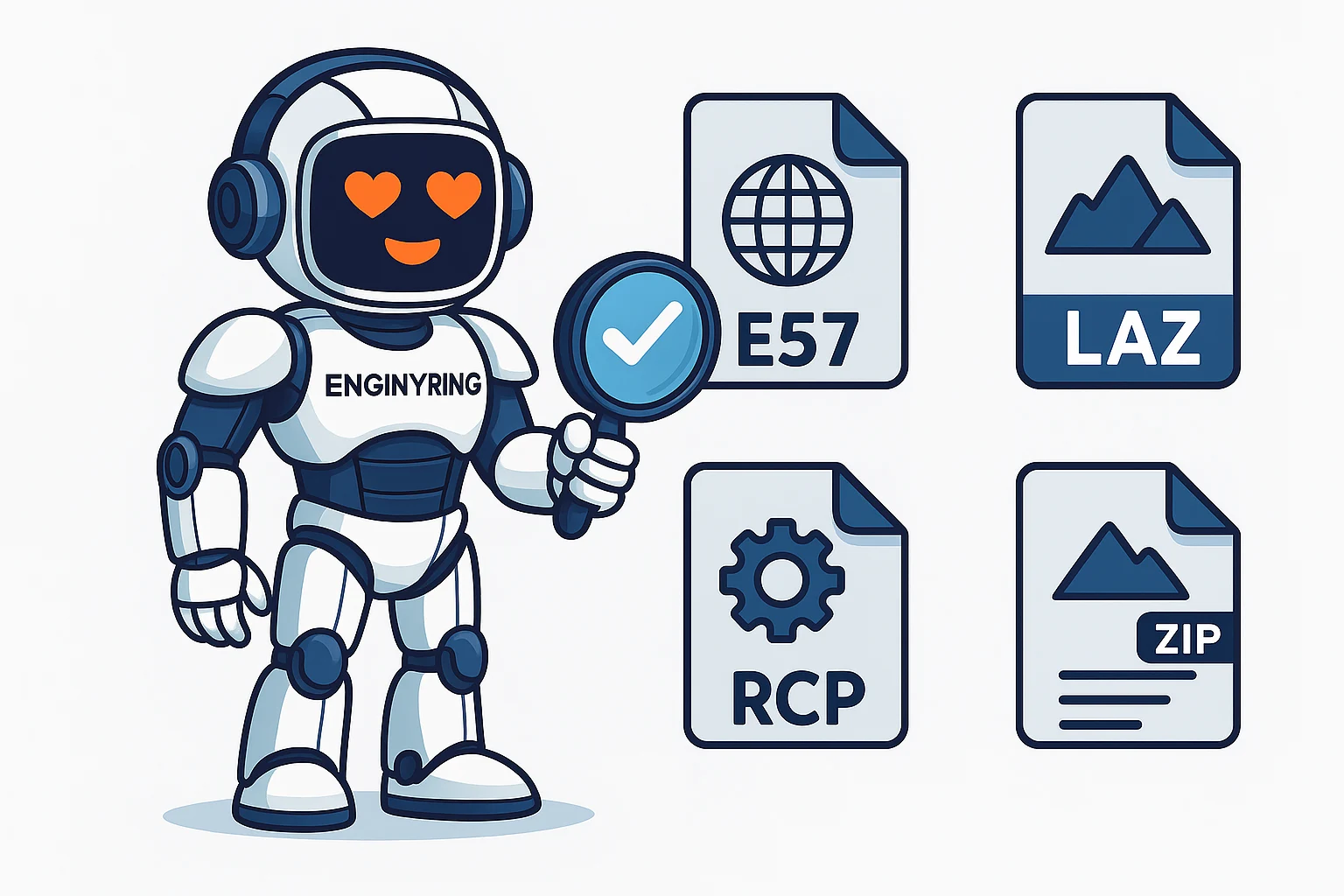
A Practical Guide to Point Cloud File Formats

In the world of 3D laser scanning, the data captured on-site is just the beginning of the journey. This raw data, a dense collection of millions or even billions of points known as a point cloud, must be stored, managed, and transferred in a digital format. However, not all file formats are created equal. The choice of format can significantly impact project efficiency, software compatibility, file sizes, and the ability to archive data for long-term use. For architects, engineers, surveyors, and project managers, understanding the landscape of point cloud file formats is crucial for a smooth workflow from the scanner to the final deliverable.
At ENGINYRING, we work with a wide array of data formats daily as part of our core Scan-to-BIM and point-cloud processing services. We've seen firsthand how selecting the right format at the outset can prevent significant headaches down the line. A proprietary format might be fast and efficient within a specific manufacturer's ecosystem, but it can create a bottleneck when collaborating with a team using different software. Conversely, a universal format might be widely compatible but could lack the performance optimizations of a native file type. This guide will demystify the most common point cloud file formats, breaking down their individual strengths, weaknesses, and ideal use cases to help you make the best choice for your next project.
The Universal Standard: E57
When it comes to interoperability and long-term data archiving, the E57 file format stands out as the industry's premier choice. It is an open, vendor-neutral format developed and maintained by the ASTM E57 Committee on 3D Imaging Systems. Think of it as the PDF of the 3D scanning world—it’s designed to be a standardized container that any compliant software can read and write.
Key Advantages of E57:
- Vendor-Neutrality: The biggest advantage of E57 is that it is not tied to any single hardware or software manufacturer. Whether you are using a scanner from Leica, Faro, Trimble, or another brand, you can almost certainly export your data to an E57 file. This makes it the perfect format for sharing data between different teams and stakeholders who may not use the same tools.
- Comprehensive Data Storage: An E57 file is more than just a list of X, Y, Z coordinates. It is a container that can store a rich set of data, including point color (RGB), intensity values, and, crucially, the panoramic images captured by the scanner. Storing the point data and imagery in a single, linked file is incredibly valuable for visualization and modeling.
- Archival Quality: Because it is an open and documented standard, E57 is the ideal format for long-term project archiving. You can be confident that you will be able to open and use an E57 file decades from now, even if the original software used to create it no longer exists.
- Efficient Data Structure: The format uses a combination of binary and XML, allowing for both high performance when reading the point data and human-readable metadata. It also supports both compressed and uncompressed data within the same file.
Potential Drawbacks:
- File Size: While it supports compression, E57 files can still be quite large, especially when they contain high-resolution imagery alongside the point data. This can make them cumbersome to transfer over the internet without fast connections.
Best For: Sharing data between different software platforms, delivering final data to clients, and long-term archiving of project data.
The Geospatial Powerhouse: LAS and LAZ
The LAS (Laser File Format) is another open standard, but its origins lie in the airborne LiDAR (Light Detection and Ranging) industry. It was developed by the American Society for Photogrammetry and Remote Sensing (ASPRS) and is the dominant format for large-scale topographical and geospatial surveys.
Key Advantages of LAS/LAZ:
- Geospatial Focus: LAS is specifically designed to store geospatial information. It has dedicated fields for point classification (e.g., ground, vegetation, building), GPS time stamps, and coordinate reference system information. This makes it invaluable for surveyors and civil engineers.
- Classification Standard: The standardized classification system is a major benefit. It allows for the automated filtering of data; for example, a user can easily isolate all the points classified as "ground" to generate a digital terrain model (DTM).
- LAZ Compression: The LAZ format is simply a compressed version of LAS. The compression is lossless, meaning no data is lost, but it can reduce file sizes by 75% or more. This is a massive advantage for storing and transferring the enormous datasets generated by aerial surveys. LAZ files can be read directly by most modern software without needing to be unzipped first.
Potential Drawbacks:
- Limited Image Support: Unlike E57, the LAS format is not designed to store the high-resolution panoramic images captured by terrestrial laser scanners (TLS). While it can store RGB color data for each point, it lacks the integrated imagery that is often crucial for architectural modeling.
- Less Common for AEC: While dominant in the geospatial world, LAS/LAZ is less commonly used as a primary format for building and architectural projects, where the focus is on as-built modeling rather than ground classification.
Best For: Topographical surveys, civil engineering projects, forestry, and any large-scale mapping application where point classification is critical.
The Performance Ecosystem: RCP and RCS
Unlike the open formats above, RCP (ReCap Project) and RCS (ReCap Scan) are proprietary formats developed by Autodesk. They are the native formats for Autodesk's ReCap software and are optimized for performance within the Autodesk ecosystem, which includes flagship products like AutoCAD, Revit, and Civil 3D.
An RCS file contains a single, indexed point cloud scan. An RCP file is a project file that groups multiple RCS files together, along with information about their registration (alignment) and any defined regions or settings.
Key Advantages of RCP/RCS:
- Unmatched Performance in Autodesk Software: The primary reason to use RCP/RCS is speed. The indexing process performed by ReCap creates a highly efficient file structure that allows Autodesk applications to load and navigate massive point clouds with remarkable smoothness. For teams working exclusively within the Autodesk environment, this performance boost can be a significant workflow advantage.
- Streaming and Collaboration: The format is designed for collaboration. A project file (RCP) can be shared, and the underlying scan files (RCS) can be stored on a network drive or in the cloud, allowing multiple users to access the same data without duplicating large files.
Potential Drawbacks:
- Vendor Lock-In: This is the most significant disadvantage. RCP/RCS files are designed for Autodesk products. While some third-party software applications have developed the ability to read them, they are not universally supported. Sharing this format with a client or partner who does not use Autodesk software can be problematic.
- Not an Archival Format: As a proprietary format, it is not suitable for long-term data archiving. There is no guarantee that software in 10 or 20 years will be able to read today's RCP files.
Best For: Project teams working entirely within the Autodesk software ecosystem (Revit, AutoCAD, etc.) who need the highest possible performance for modeling and drafting.
The Simple Text-Based Formats: XYZ, PTS, PTX
These are some of the simplest and oldest point cloud formats. They are typically text-based (ASCII), meaning you can open them in a simple text editor and see the data. Each line in the file represents a single point.
- XYZ: The most basic format. Each line contains just the X, Y, and Z coordinates of a point, separated by a space or a comma. Some variations might include RGB color values or intensity.
- PTS: A slightly more structured format. It often starts with a header line indicating the total number of points, followed by the list of points. Each point can include X, Y, Z, intensity, and RGB color values.
- PTX: This format is an export option from many Leica scanners. It is also text-based but contains more information, including a transformation matrix that defines the position and orientation of the scan station. This makes it useful for registering multiple scans together.
Key Advantages:
- Simplicity and Compatibility: Because they are text-based, these formats are easy to read and parse, making them compatible with a vast range of software, including many open-source and academic tools.
Potential Drawbacks:
- Massive File Sizes: Being uncompressed and text-based makes these formats highly inefficient. File sizes are enormous compared to binary formats like E57 or compressed formats like LAZ.
- Slow Performance: Software takes much longer to load and process these text-based files compared to optimized binary formats.
- Lack of Metadata: They do not store structured metadata, scan station locations, or panoramic imagery.
Best For: Small-scale projects, academic use, or when you need to transfer data to older or more obscure software that doesn't support modern binary formats.
Conclusion: Which Format Should You Choose?
The "best" 3D scan format ultimately depends on your specific needs and workflow. However, we can provide a clear recommendation based on best practices for collaboration, data integrity, and efficiency.
For the vast majority of use cases, E57 is the superior choice for data exchange and delivery. Its vendor-neutrality ensures that anyone can access the data, and its ability to package point data with high-quality imagery in a single file makes it perfect for as-built modeling in architecture and engineering. For long-term archiving, its open standard is non-negotiable.
If your project is heavily focused on geospatial analysis and ground classification (e.g., a large topographical survey), then LAZ is the industry standard and the most efficient format for the job.
If your entire project team, from start to finish, operates exclusively within the Autodesk ecosystem, then using the native RCP/RCS format will provide the best performance and smoothest user experience. However, it is critical to also deliver a final archive of the project in the E57 format to ensure long-term accessibility for the client.
At ENGINYRING, we are equipped to handle any of these formats. Our robust workflow allows us to accept your raw data in its native format, process it with precision, and deliver a final, clean, and accurate model along with a standardized E57 or LAZ file for your records. By understanding the strengths of each format, you can streamline your data workflow and ensure your project is built on a solid foundation of high-quality, accessible data. If you have questions about your next project's data requirements, contact our experts today.
🇷🇴 Cauți versiunea în română? Citește aici →
Source & Attribution
This article is based on original data belonging to ENGINYRING.COM blog. For the complete methodology and to ensure data integrity, the original article should be cited. The canonical source is available at: A Practical Guide to Point Cloud File Formats.