Why Your WordPress Site Crashes During Traffic Spikes (And How to Fix It)
Have you ever watched your WordPress website grind to a halt just as your marketing efforts paid off, or as a social media post went viral? Nothing is more frustrating—or more damaging to your brand—than a website crash during a traffic spike. This problem hits small businesses, bloggers, and eCommerce stores alike, especially those still relying on shared hosting. In this comprehensive guide, you’ll learn why website crashes on shared hosting happen, the real cost of downtime, and how to fix WordPress hosting crashes for good using scalable hosting for traffic spikes. Plus, discover how ENGINYRING can keep your business online, no matter how many visitors you attract.
Understanding WordPress Traffic Spikes
A traffic spike is a sudden and often unpredictable increase in the number of visitors to your website. These can happen for many reasons:
- A successful social media campaign or viral post
- Being featured in news or media outlets
- Product launches, flash sales, or special promotions
- Seasonal trends (Black Friday, Cyber Monday, holidays)
- Sudden industry attention, influencer mentions, or awards
While this influx of attention is fantastic for brand awareness and sales, it often exposes the weaknesses of underpowered web hosting setups—especially those using low-cost, entry-level shared hosting. What should be a business win can quickly become a tech nightmare.
Why Shared Hosting Fails During Spikes
Most new WordPress sites start on shared hosting for its affordability and simplicity. But this low price comes with a catch: resources (CPU, RAM, bandwidth) are shared between dozens, sometimes hundreds, of unrelated websites. This means:
- Sudden surges in traffic, whether to your site or a neighbor’s, can max out server capacity
- Each website has strict resource caps—if you exceed yours, your site slows or crashes
- No ability to “burst” above your limits, even temporarily
- If your site is targeted by a DDoS or bot attack, you risk being suspended for “abuse”
If your site uses popular plugins (WooCommerce, page builders, analytics, or live chat), the back-end resource requirements are even higher. During a spike, it’s not uncommon for sites to go offline completely, showing “Error Establishing a Database Connection” or time-out messages.
This is why so many website crashes on shared hosting are reported during campaigns, sales, or news events—exactly when every second of uptime matters most.
The Real Cost of a WordPress Site Crash
A momentary crash might seem trivial, but the effects can ripple for days or weeks:
- Lost sales and conversions: E-commerce stores lose hundreds or thousands with every minute of downtime during peak sales.
- SEO penalties: Google and Bing may demote your rankings if your site is unavailable or slow to crawl.
- Brand and reputation damage: New visitors won’t return if their first impression is a broken page.
- Wasted ad budget: Pay-per-click or social media campaigns keep running, sending paid clicks to error screens.
- Loss of customer trust: Repeat customers hesitate to buy if your site is perceived as unreliable.
For agencies and web professionals, a client’s crashed site can mean frantic calls, lost contracts, and expensive emergency fixes.
How to Fix WordPress Hosting Crashes – Step by Step
Want to fix WordPress hosting crashes once and for all? Here’s a battle-tested, step-by-step approach:
1. Upgrade to Scalable Hosting
The single biggest improvement you can make is switching to hosting that’s built for bursts of demand. Options include:
- Premium Web Hosting with guaranteed resources
- VPS (Virtual Private Servers)—dedicated slices of CPU/RAM that don’t fluctuate with neighbors
- Reseller Hosting—ideal for agencies, developers, or those managing multiple WordPress sites
These solutions allow you to instantly scale resources up or down as needed and keep your WordPress site responsive during both expected and surprise traffic spikes.
2. Optimize WordPress for High Traffic
- Use caching plugins to serve static content to visitors (drastically reduces load on your database and server).
- Implement a CDN (Content Delivery Network) to serve images, scripts, and stylesheets from edge locations worldwide.
- Remove or replace heavy plugins that slow page loads or make unnecessary database calls.
- Optimize images and use next-gen formats for faster delivery.
3. Monitor Server Health & Response Times
Set up real-time monitoring and alerting so you’re notified at the first sign of trouble—not after your site has been down for hours.
4. Use Quality Domain and DNS Services
Fast DNS resolution can make or break user experience during a spike. Consider migrating your domain management to a reliable provider like ENGINYRING’s Domains platform for advanced DNS, security, and uptime guarantees.
5. Secure Your WordPress Site
- Keep all plugins, themes, and core files up to date
- Enable security plugins and web application firewalls (WAF)
- Use two-factor authentication for all admin logins
How to Choose Hosting That Can Handle Traffic Spikes
The right hosting partner doesn’t just offer space—they actively help you grow and stay online. Here’s what to demand:
- Resource isolation: No one else’s surge should affect your site’s performance.
- Instant scalability: The ability to add RAM, CPU, or disk space within minutes.
- Integrated CDN and caching: Edge servers and built-in caching dramatically reduce server load.
- Transparent resource usage dashboards: Know exactly when to upgrade and why.
- Expert support: Fast, knowledgeable help is critical during a spike or outage.
ENGINYRING provides a full range of options designed specifically for WordPress websites that can’t afford to go offline—ever.
Why ENGINYRING Is Built for Performance and Stability
Many web hosts claim to handle WordPress spikes, but only a few actually engineer their platforms to do it. Here’s what sets ENGINYRING apart:
- Virtual servers and premium web hosting built on high-availability hardware
- Fully isolated environments, so your resources are never “borrowed” by a neighbor
- Real-time monitoring and proactive support, so you’re protected even during off-hours
- Scalable VPS hosting and web reseller hosting for agencies, developers, and fast-growing businesses
- Rapid DNS management, SSL integration, and secure domain services
You shouldn’t have to worry about downtime, slow loads, or lost sales. ENGINYRING’s infrastructure is designed for the digital age—ready to serve thousands or millions of requests without breaking a sweat.
Real-World Example: From Crash to Consistent Growth
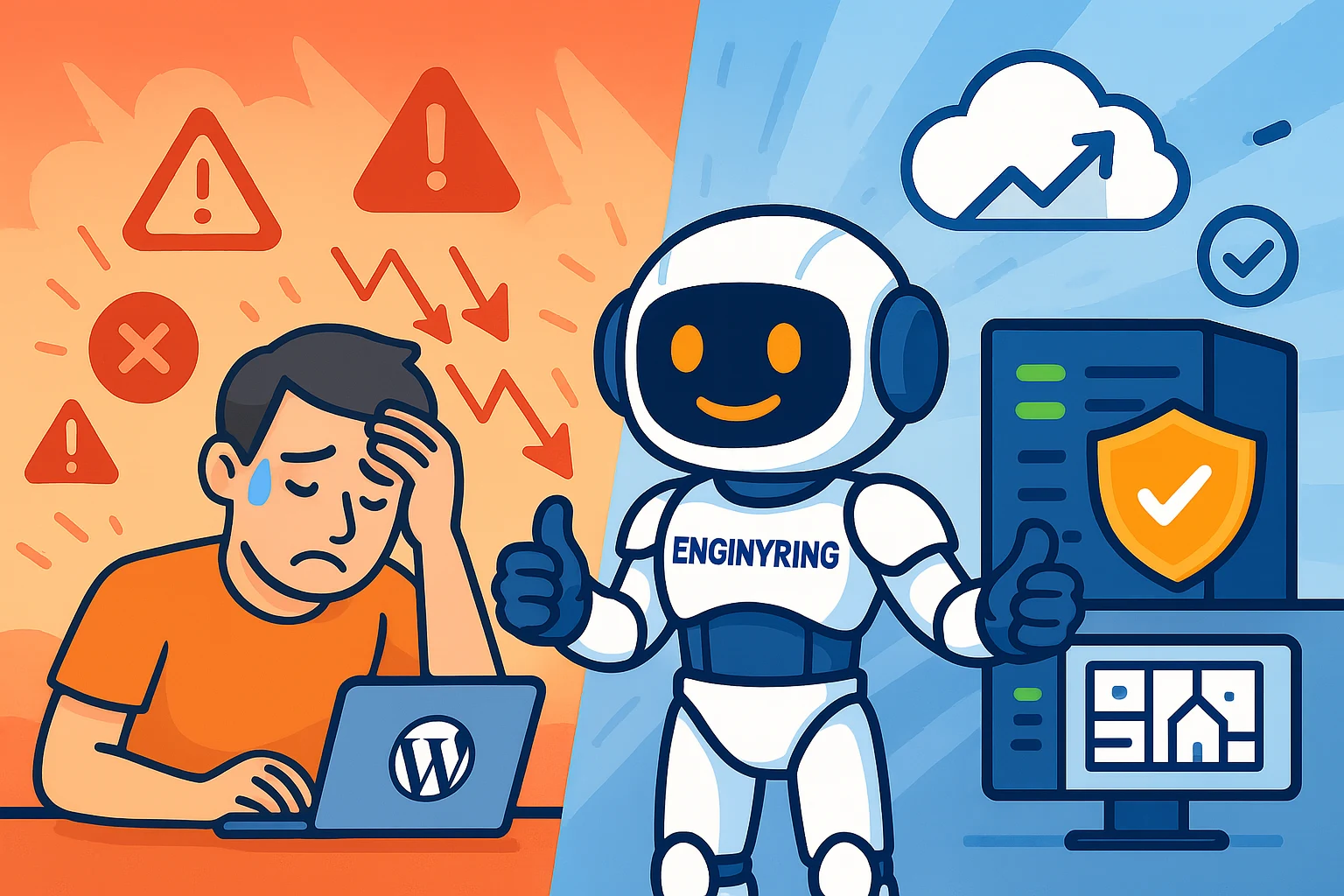
A mid-sized online retailer on a basic shared hosting plan found their WordPress store crashing every time they ran paid ads or seasonal campaigns. After upgrading to ENGINYRING VPS and using managed domains and DNS, their site remained stable even during 10x traffic surges. Sales increased, Google rankings improved, and customer trust soared.
Conclusion: Be Ready for Growth—Not Just Today, but Tomorrow
If your WordPress website crashes during traffic spikes, it’s not just a “glitch”—it’s a sign you’ve outgrown your hosting. Upgrading to scalable, secure, and performance-focused infrastructure is the best way to fix WordPress hosting crashes for good.
Don’t let shared hosting hold you back from your potential. Whether you need premium web hosting, VPS for WordPress, reseller solutions, or advanced domain management, ENGINYRING has you covered—no matter how big you grow.
Ready to protect your brand and never crash again? Discover the ENGINYRING difference today.
Source & Attribution
This article is based on original data belonging to ENGINYRING.COM blog. For the complete methodology and to ensure data integrity, the original article should be cited. The canonical source is available at: Why Your WordPress Site Crashes During Traffic Spikes (And How to Fix It).