The AI Revolution in WordPress: Is Your Hosting Ready for AI-Generated Blocks?
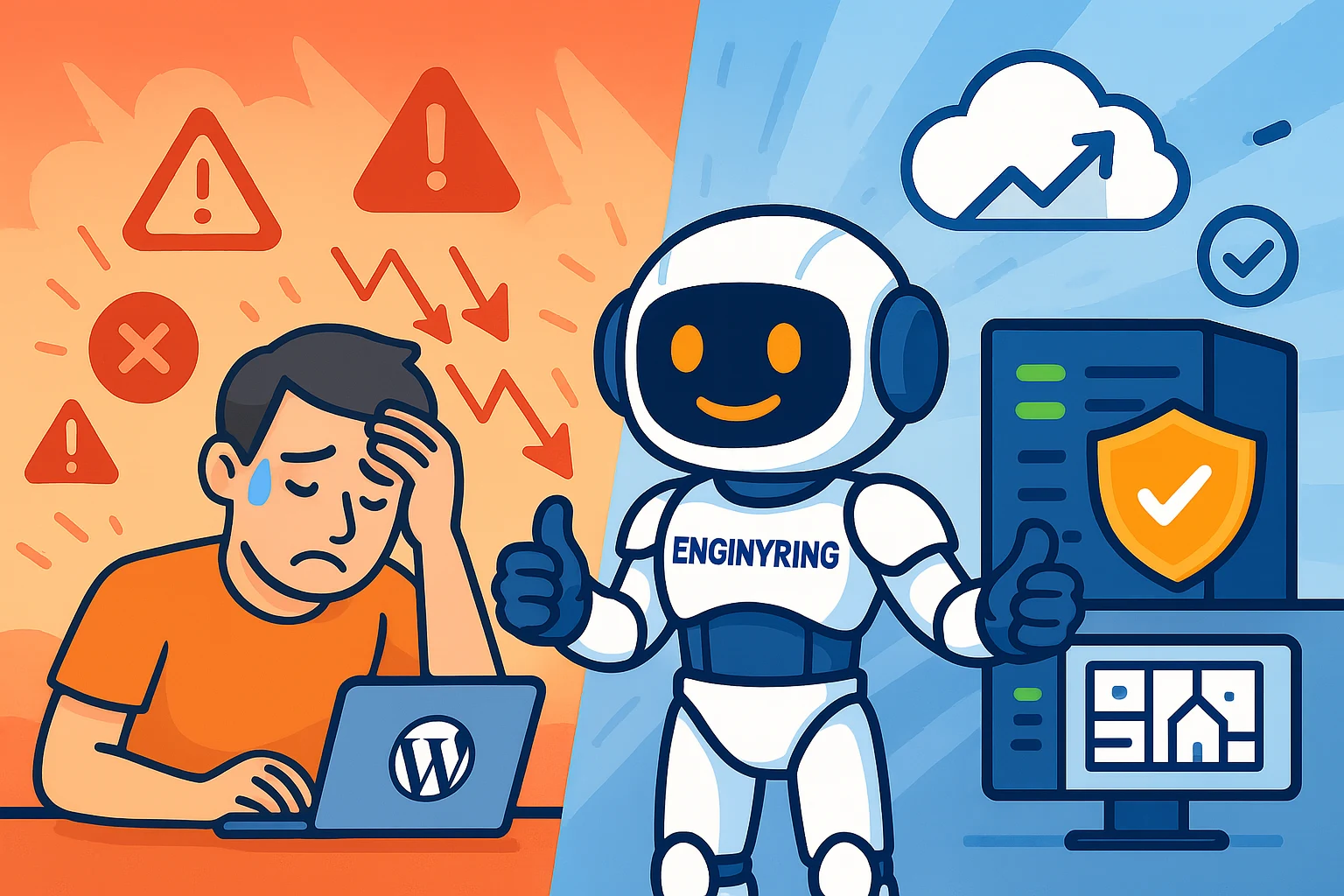
The rise of AI-powered tools for creating custom WordPress blocks is an exciting trend, but it introduces new performance considerations. To run a complex, AI-assisted website reliably, you need a hosting environment with dedicated resources, like a VPS. The increased PHP processing and database load from numerous custom blocks can overwhelm the strict limits of typical shared hosting plans. This can lead to a slow website and a poor user experience.
The WordPress ecosystem is on the verge of a major transformation. The line between user and developer is blurring, thanks to the rise of AI-assisted coding tools. Technologies like GitHub Copilot and the AI experiments within Jetpack now make it possible for users to generate custom website components using natural language prompts. This is a powerful leap forward for creativity and customization. It allows anyone to build a truly unique website without writing code.
This guide explains what this new trend of AI-assisted block development means for you. We will analyze the incredible opportunities it creates. We will also provide a crucial, engineering-focused look at the hidden performance challenges that come with it. You will learn why the hosting foundation for a modern WordPress site is more important than ever. You will understand how to ensure your server has the power to support this new wave of creativity.
The new frontier: AI-assisted block development
For years, creating a custom feature for a WordPress site required you to hire a developer. The block editor introduced a component-based system, but you were still limited by the blocks your theme provided or those you could find in third-party plugins. The new generation of AI tools changes this equation completely.
An AI code assistant can now act as a "junior developer" on demand. You can provide it with a prompt describing a block, for example:
"Create a WordPress block for a team member profile. It should include a circular image, a field for the name, a field for their job title, and links to their social media profiles."
The AI can then generate the necessary PHP, JavaScript, and CSS files to create a functional block. This is not science fiction. Developers are already using these tools to speed up their workflow. As Automattic continues to integrate AI features into its products, this capability will become accessible to an even wider audience. This empowers every WordPress user to become a creator of custom components, not just a consumer of pre-made ones.
The hidden challenge: The performance cost of complexity
This newfound creative freedom comes with a technical trade-off. The performance of your website is a direct result of the efficiency of its code and the power of its server. A website built with dozens of unique, AI-generated blocks will place a significantly higher demand on server resources than a site built with a few standard blocks.
AI code is functional, not always optimized
AI coding assistants are remarkable tools, but they are not seasoned senior developers. The code they generate will work. However, it may not be perfectly optimized for performance. An AI-generated block might use more database queries than necessary. It might include inefficient CSS selectors or bloated JavaScript. A single, slightly inefficient block will not have a noticeable impact. But when a page is built from 20 or 30 of these custom blocks, the small inefficiencies add up. This cumulative effect increases the load on your server with every page view.
The increased strain on your server
Every time a visitor loads a page, your server executes PHP code and queries the database. A page with many complex, custom blocks requires more processing power than a simple page. This increased workload translates directly to higher CPU usage and more database activity. This is where the type of hosting you have becomes the deciding factor between a fast site and a slow one.
Choosing the right foundation: Shared hosting vs. VPS
The central question is not whether shared hosting is "bad," but whether it is appropriate for your specific project. As sites become more complex with AI-generated components, this choice becomes even more critical.
When shared hosting works well
Shared hosting can be an excellent and cost-effective solution for many websites. It is a good choice for:
- Simple Websites: A basic business site, portfolio, or blog that uses a few standard or custom blocks per page.
- Low Traffic: Sites that receive under a few thousand visitors per month and do not experience sudden traffic spikes.
- Static Content: Websites where the content does not change frequently and there are few dynamic features like user logins or forums.
When to consider VPS hosting
A complex, modern WordPress site can struggle with the strict resource limitations of a shared environment. You should strongly consider upgrading to a VPS hosting plan when you have:
- Many Custom Blocks: Your pages are built with 10 or more complex, custom, or AI-generated blocks.
- High Traffic or Spikes: Your site receives high traffic volumes, or you run marketing campaigns that cause sudden traffic surges.
- E-commerce or Membership Sites: Any site that handles user logins, dynamic content, and online transactions, like a WooCommerce store, requires the dedicated resources a VPS provides.
Practical optimizations for any hosting plan
Before you even consider upgrading your hosting, there are several practical steps you can take to mitigate the performance impact of a complex site. These are good practices for any WordPress owner.
- Implement Caching: A good caching plugin (like W3 Total Cache or WP Rocket) is the most important performance tool for WordPress. It creates static HTML versions of your pages, so the server does not have to execute PHP and query the database for every single visitor.
- Use a Content Delivery Network (CDN): A CDN, like Cloudflare, stores copies of your site's static assets (images, CSS, JavaScript) on servers around the world. It serves these files from the location closest to your visitor, which reduces latency and takes a significant load off your main server.
- Optimize Your Images: Large images are a common cause of slow load times. Use a plugin like Smush or EWWW Image Optimizer to automatically compress your images without sacrificing quality.
These optimizations will help. However, they cannot solve the root problem of insufficient server resources. Caching can reduce the load, but it cannot give your server more CPU power when it needs it.
A real-world example: Migrating an AI-heavy site
We recently helped a client who runs a popular design blog. They had embraced AI tools to create stunning, highly customized visual layouts for every post. Their site looked amazing, but it was incredibly slow. Their pages, each built with over 20 unique AI-generated blocks, were frequently hitting the CPU and memory limits of their premium shared hosting plan. During peak hours, they were seeing "508 Resource Limit Is Reached" errors, making their site inaccessible.
After migrating their site to one of our entry-level VPS plans, the results were immediate. With dedicated CPU cores and RAM, the server was no longer being throttled. We then implemented server-level object caching with Redis, which further reduced the database load. Their page load times dropped by over 60%, and the resource limit errors disappeared completely. This case study illustrates a key point: creative freedom at the application level requires a powerful and flexible foundation at the server level.
The ENGINYRING perspective
We celebrate innovations like AI-assisted development. They align perfectly with our core philosophy of empowering users. Giving you the tools to build the exact website you want is a fantastic step forward for the open-source community. We also believe in being transparent about the technical realities.
Empowerment at the application level must be paired with empowerment at the server level. You cannot have true creative freedom if your hosting is constantly holding you back. Our high-performance VPS hosting is designed to provide that powerful foundation. We use high-frequency CPUs that are ideal for the single-threaded nature of PHP. This PHP will be working hard to render all your new custom blocks. We provide the stable, scalable, and powerful environment that allows you to take full advantage of this new era of WordPress customization.
The rise of AI in web development is exciting news for the entire WordPress community. It will unlock a new level of creativity for millions of users. It will also raise the bar for hosting performance. To truly leverage the power of these new tools, you must build your site on a foundation that is designed for performance. A high-quality VPS is no longer just an upgrade. It is a necessity for any modern, custom-built WordPress website.
Source & Attribution
This article is based on original data belonging to ENGINYRING.COM blog. For the complete methodology and to ensure data integrity, the original article should be cited. The canonical source is available at: The AI Revolution in WordPress: Is Your Hosting Ready for AI-Generated Blocks?.