KVM Explained: A Deep Dive into Kernel-based Virtual Machine Technology
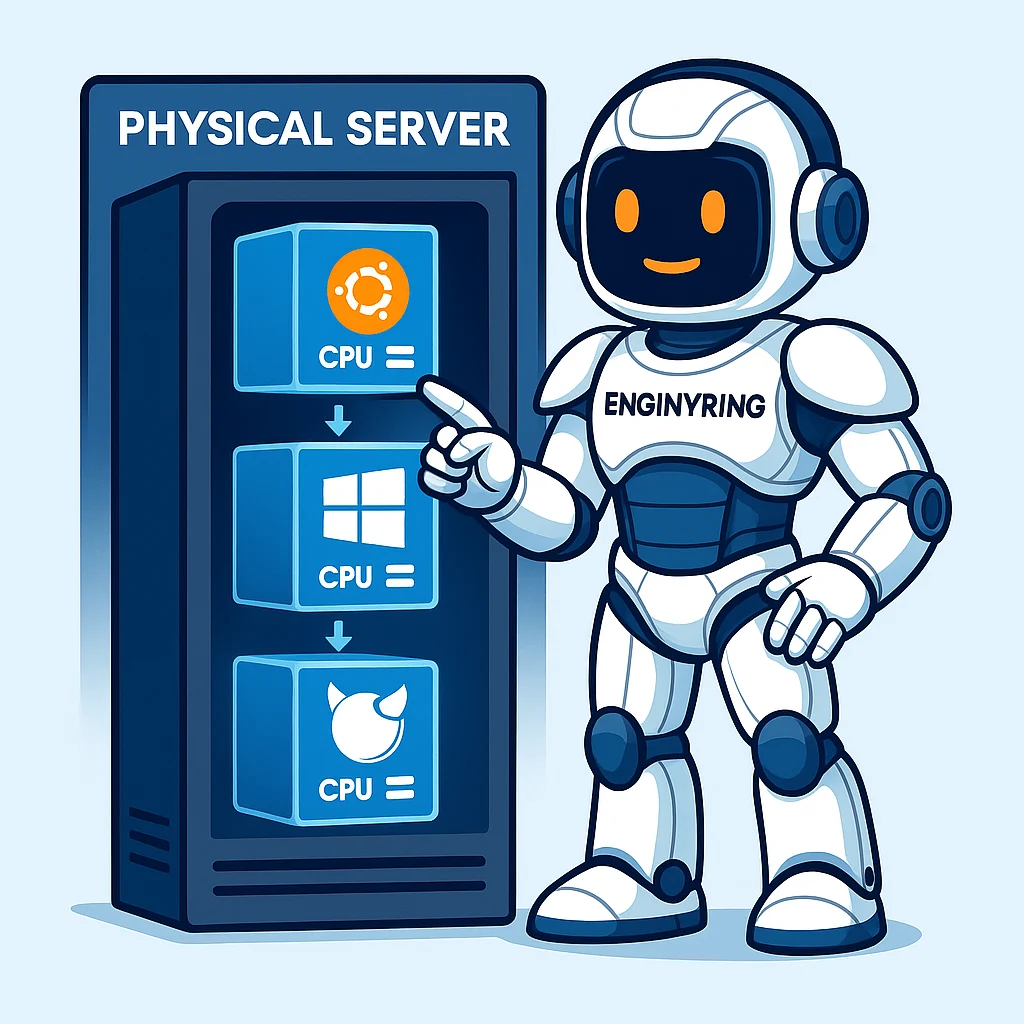
In the world of web hosting and server infrastructure, the term "virtualization" is fundamental. It’s the powerful technology that allows a single, physical server to be logically partitioned into multiple, fully isolated virtual environments, each behaving as its own independent machine. This innovation has been the primary engine of efficiency in the modern datacenter, enabling the scalability, flexibility, and cost-effectiveness that power the internet as we know it. At the heart of this technology is the hypervisor, and one of the most powerful, secure, and widely adopted hypervisors in the industry is the Kernel-based Virtual Machine, or KVM.
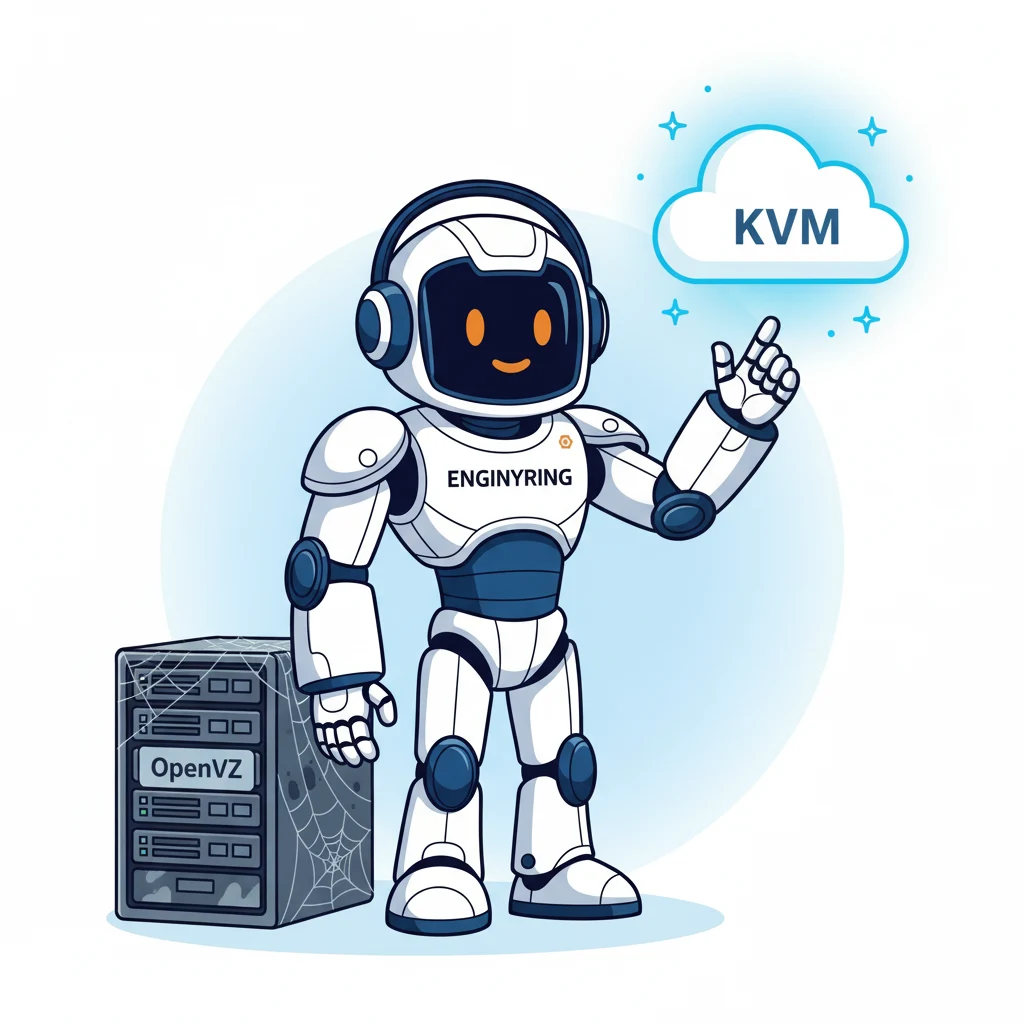
Many users have seen the term "KVM VPS" advertised but may not fully grasp what it signifies on a technical level or why it is the undisputed choice for performance-critical and security-conscious applications. At ENGINYRING, KVM is the foundational technology for our Virtual Servers, providing the robust, high-performance platform our clients depend on. This article will take you on a deep dive into KVM technology. We will move beyond marketing terms to explore its architecture, explain how it functions at the kernel level, detail its relationship with other open-source tools, and illustrate why it stands as a superior choice for true hardware virtualization.
The Foundations of Virtualization: Hypervisors and Privilege Rings
Before we can appreciate KVM's elegance, we must first understand the role of a hypervisor. A hypervisor, also known as a Virtual Machine Monitor (VMM), is the software layer that creates and runs virtual machines (VMs). Its core function is to abstract the physical hardware resources—CPU cores, RAM modules, storage devices, and network interfaces—and present a virtual, standardized set of that hardware to each individual VM. This abstraction is what allows multiple operating systems to run concurrently on a single physical machine without interfering with one another.
Type-1 vs. Type-2 Hypervisors
Hypervisors are generally categorized into two main types, defined by their relationship with the host hardware and operating system:
- Type-2 Hypervisor (Hosted): This type runs as a standard application on top of a conventional host operating system (like Windows, macOS, or Linux). Examples familiar to many users include VMware Workstation, Parallels Desktop, or Oracle VirtualBox. They are easy to install and ideal for desktop use, such as running a Linux environment on a Windows laptop. However, they incur significant performance overhead because every instruction from the guest VM must pass through the host OS before reaching the physical hardware.
- Type-1 Hypervisor (Bare-Metal): This type runs directly on the physical hardware of the host machine, effectively acting as its own highly specialized operating system. This direct access to hardware eliminates the host OS overhead, resulting in vastly superior performance, security, and scalability. This is the category where KVM, VMware ESXi, and Microsoft Hyper-V belong.
For any serious server application, from enterprise workloads to reliable VPS hosting, a Type-1 hypervisor is the only viable choice due to its efficiency, stability, and direct hardware control.
A Deeper Look: CPU Privilege Rings and the Virtualization Challenge
To understand why hardware support is so critical, we must look at how CPUs are designed. Modern CPUs use a security model called "privilege rings" to protect the system from errors or malicious behavior. The innermost ring, Ring 0, is the most privileged level and is where the core of the operating system (the kernel) runs. The kernel has unrestricted access to all hardware. User applications, like your web browser or word processor, run in the least privileged ring, typically Ring 3. If an application in Ring 3 crashes, it doesn't take down the entire system because the kernel in Ring 0 is protected.
This presented a major challenge for early virtualization. A guest operating system *expects* to run in Ring 0. But how can you run a guest OS in Ring 0 without giving it direct control over the hardware, which would destabilize the host? Early hypervisors used a slow software-based method called "trap-and-emulate." They would run the guest OS in a less privileged ring (like Ring 1) and would "trap" any privileged instruction the guest tried to execute, emulate it in software at Ring 0, and then return the result. This involved constant, slow context switching. The breakthrough came with hardware-assisted virtualization (Intel VT-x/AMD-V), which created a new "root mode" (sometimes unofficially called "Ring -1") for the hypervisor itself. This allows the guest OS to run in Ring 0, but it's a *virtual* Ring 0, still under the ultimate control of the hypervisor in root mode. This is the mechanism that enables KVM to deliver near-native performance.
What is KVM? The Linux Kernel as a Hypervisor
The Kernel-based Virtual Machine is a full, true virtualization solution for Linux on x86 and ARM hardware. What makes KVM architecturally unique is that it is not a separate, external program. It is a core component of the mainline Linux kernel. Since version 2.6.20 (released in 2007), the Linux kernel has included the KVM module. This ingenious integration means that any modern Linux distribution can be transformed into a powerful, enterprise-grade Type-1 hypervisor.
KVM works by turning the host Linux kernel into a hypervisor itself. It consists of a loadable kernel module, `kvm.ko`, which provides the core virtualization infrastructure, and a processor-specific module, such as `kvm-intel.ko` or `kvm-amd.ko`. When loaded, these modules expose a special device file, `/dev/kvm`, to the user-space. This device acts as an interface, allowing other programs to access the kernel's powerful virtualization capabilities. This is a critical architectural point: instead of reinventing core functionalities, KVM leverages the highly optimized, mature, and secure Linux kernel to handle complex tasks like process scheduling, memory management, and device driver interaction. It automatically inherits all the features, performance enhancements, and stability of Linux—a system that has been battle-tested for decades in the world's most demanding compute environments.
The KVM Ecosystem: QEMU, Virtio, and Libvirt
KVM itself only handles the CPU and memory virtualization. To create a complete and high-performance virtual machine, it relies on a partnership with other powerful open-source projects.
- QEMU (Quick EMUlator): If KVM is the kernel-level accelerator, QEMU is its essential user-space partner. QEMU is a mature open-source machine emulator that provides the virtual hardware for the guest VM. This includes the virtual BIOS/UEFI, storage controllers, network cards, USB ports, and other peripheral devices. In a KVM setup, QEMU uses the `/dev/kvm` interface to accelerate the guest's execution, while it handles the emulation of the I/O hardware.
- Virtio (Paravirtualization for Performance): While QEMU can emulate common hardware like an Intel E1000 network card, this involves a lot of overhead. To achieve the best performance, KVM uses a technique called paravirtualization with a special set of drivers called Virtio. A Virtio device (e.g., `virtio-net` for networking, `virtio-blk` for storage) is a virtual device that is "aware" it's running in a virtual environment. The guest OS, using Virtio drivers, can communicate with the hypervisor much more efficiently than it could with a fully emulated piece of hardware. This is the key to KVM's near-native disk and network I/O speeds and is the standard for all modern cloud environments.
- Libvirt: While you can technically manage KVM and QEMU directly via the command line, it's incredibly complex. Libvirt is a toolkit that provides a stable, high-level, and consistent API for managing virtualization platforms. It acts as a management layer that sits on top of KVM/QEMU, providing a standardized way to create, stop, migrate, and configure virtual machines. Platforms like Proxmox VE and OpenStack use libvirt to orchestrate their KVM environments, as we do with our Proxmox Management services.
The Anatomy of a KVM VPS: True Virtualization in Detail
When you choose a KVM-based Cloud VPS, you are receiving a truly isolated virtual machine with its own dedicated set of resources. This is what defines true virtualization.
- Dedicated Kernel: Each KVM VPS runs its own complete, independent operating system kernel. This is a fundamental differentiator from containerization. It means you have absolute control over the OS. You can install any version of Linux, Windows, or BSD. You can apply custom kernel patches, load special kernel modules (e.g., for Docker or specialized firewalling), and reboot your VM at any time without affecting any other user on the same physical host.
- Guaranteed and Private Resources: The RAM allocated to your KVM VPS is a hard reservation. Unlike some virtualization technologies that use "memory ballooning" to dynamically shift RAM between VMs (a form of overselling), a properly configured KVM environment provides a private, guaranteed allocation. The memory assigned to your VM cannot be used by any other VM on the host, ensuring consistent and predictable application performance, free from the "noisy neighbor" problem common in less-isolated environments.
- Full Hardware Emulation: Because QEMU provides a comprehensive set of virtual hardware devices, the operating system inside the VM is generally unaware that it is virtualized. It sees a standard set of hardware, meaning virtually any software or application that runs on a dedicated physical server will run flawlessly on a KVM VPS.
- Unmatched Security and Isolation: This is the most critical feature for multi-tenant environments. KVM leverages security extensions like sVirt (using SELinux or AppArmor) to create a robust sandbox for each VM. Libvirt can automatically generate a unique security profile for each individual virtual machine. This means a process inside one VM cannot access the memory or storage of another VM on the same host. Even if an attacker were to compromise the QEMU process of one VM, the host kernel's Mandatory Access Control policy would prevent them from breaking out to affect the hypervisor or other VMs. This principle of strong isolation is central to providing secure VM hosting.
KVM vs. Containerization: A Deeper Comparison
To fully appreciate KVM's strengths, it is essential to compare it with OS-level virtualization, or containerization. A simple analogy is real estate: KVM virtual machines are like separate, detached houses. Each house has its own foundation, its own separate connections to utilities, and its own building code (kernel). A fire or plumbing leak in one house is contained to that property. Containers (like Docker or LXC), on the other hand, are like apartments in a single high-rise. All apartments share the building's core infrastructure—the foundation, main water lines, and electrical risers. While each has a locked door, a catastrophic failure in the building's shared infrastructure could affect all residents.
Comparing Key Differences
- Isolation Level: KVM provides full kernel-level isolation. Containers provide process-level isolation within a shared kernel. A kernel vulnerability on a container host is a potential threat to all containers on that host.
- Resource Overhead: Containers are more lightweight as they don't load a full, separate OS kernel. This leads to faster startup times and higher density. KVM has a higher per-instance overhead but provides absolute resource guarantees.
- System Flexibility: With KVM, you can run a Windows Server VM next to an Ubuntu VM on the same physical host. With containers on a Linux host, you can only run Linux-based containers.
- Ideal Use Case: KVM is the superior choice for multi-tenant infrastructure (i.e., selling VPS services), high-security sandboxing, running diverse operating systems, and hosting legacy applications. Containers are the superior choice for microservices, CI/CD pipelines, and packaging applications to run consistently across different environments.
Advanced KVM Features in the Enterprise
KVM's power extends far beyond simply running VMs. Its deep integration with the Linux ecosystem enables advanced features that are critical for enterprise and high-availability environments.
Live Migrations
One of KVM's most powerful features is the ability to perform live migrations. This allows a running virtual machine to be moved from one physical host to another with no discernible downtime. The process is a marvel of engineering: the hypervisor copies the VM's entire memory content over the network to the destination host while the original VM continues to run. It keeps track of any memory pages that change during the copy and sends them over again. Once the two memory states are nearly in sync, the VM is momentarily paused (for milliseconds), the final CPU and device state is transferred, and the VM is resumed on the new host. This allows system administrators to perform hardware maintenance, upgrade servers, or balance workloads without interrupting critical services.
High Availability (HA)
Building on this, platforms like Proxmox VE use KVM to create High Availability clusters. In an HA cluster, multiple physical hosts work together. If one physical host fails unexpectedly (due to a power outage or hardware failure), a cluster manager detects its absence and automatically restarts that host's virtual machines on other available nodes in the cluster. This ensures that services are restored automatically in minutes, a crucial feature for business continuity that we explore in our guide to Proxmox VE.
Conclusion: The Gold Standard for Robust Virtualization
KVM is far more than just an acronym; it's a testament to the power of open-source innovation and the stability of the Linux kernel. By integrating the core functions of a hypervisor directly into the OS and leveraging a rich ecosystem of tools like QEMU, Virtio, and Libvirt, KVM delivers a solution with no compromises. It combines the raw performance of a Type-1 bare-metal hypervisor with the flexibility to run any operating system and the rock-solid, hardware-enforced isolation required for secure multi-tenant environments.
When you choose a KVM VPS, you are investing in a platform that offers no compromises on performance, security, or flexibility. It is the gold standard for modern virtualization and the ideal, no-compromise foundation for your most important projects. If you have any further questions about our KVM-based infrastructure or need help choosing the right plan for your needs, please contact our team of experts today.
Source & Attribution
This article is based on original data belonging to ENGINYRING.COM blog. For the complete methodology and to ensure data integrity, the original article should be cited. The canonical source is available at: KVM Explained: A Deep Dive into Kernel-based Virtual Machine Technology.