Point Cloud Registration Explained: Why Accuracy Starts Before Processing
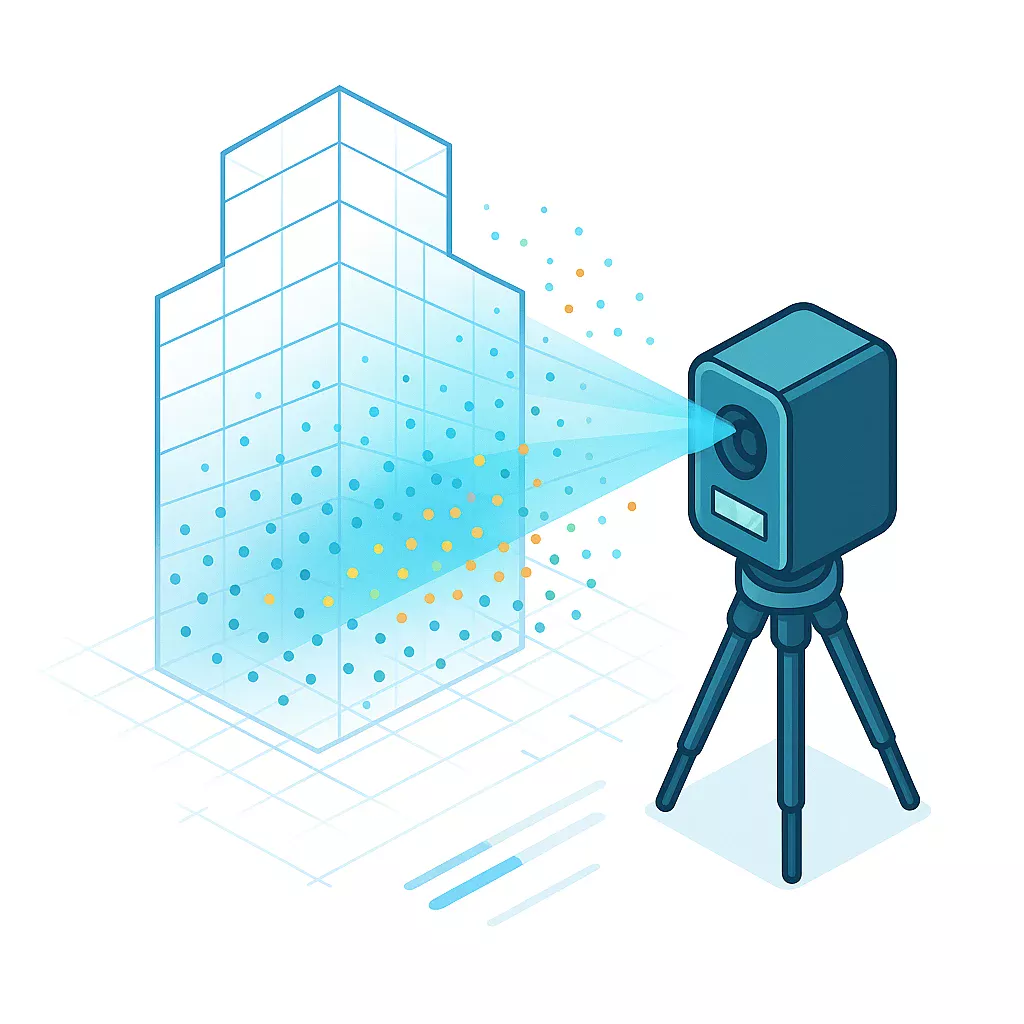
Point cloud registration is the process your surveyor uses to align multiple individual scans into one unified 3D dataset. This alignment step happens before ENGINYRING receives your data and directly determines whether your final BIM models will achieve millimeter-level accuracy or contain costly misalignment errors. Understanding registration helps you evaluate survey quality and avoid expensive rework downstream.
When your surveyor captures a large building or site, they take dozens or hundreds of individual scans from different positions. Each scan exists in its own local coordinate system. Registration transforms all these separate scans into one common coordinate frame so they align precisely with each other. The quality of this pre-processing step controls the foundational accuracy of every deliverable ENGINYRING produces from your point cloud.
Poor registration creates gaps, overlaps, or misalignments in the unified point cloud. These errors compound when processing the data into BIM models, structural drawings, or architectural plans. Your surveyor's registration work protects your project investment by ensuring accuracy from capture through final scan-to-BIM deliverables.
What Registration Actually Does
Your surveyor identifies common points visible in overlapping scans. These might be physical targets placed before scanning or natural features like corners and edges. The registration software calculates the rotation and translation needed to align each scan position with the others.
The software analyzes millions of point coordinates across scan pairs. It finds matching geometry and computes transformation matrices that bring all scans into alignment. This mathematical process preserves the spatial relationships captured during fieldwork.
After registration completes, your surveyor exports a single unified point cloud file. This file contains all scan positions merged into one dataset with consistent coordinates throughout. ENGINYRING receives this registered data and processes it into the CAD or BIM deliverables you need.
Why Registration Quality Matters
Registration errors propagate through every downstream process. You might see walls that do not meet cleanly, floor levels that shift between scan positions, or structural elements that appear duplicated. These problems waste time and money during modeling.
A well-registered point cloud maintains consistent geometry throughout. Measurements remain accurate across the entire dataset. When your surveyor provides ENGINYRING with properly registered data, the processing workflow preserves that foundational accuracy in every drawing and model.
Consider a multi-story building project. If floor-to-floor registration contains 10mm of error, that misalignment affects every vertical measurement in your BIM model. Structural coordination fails. MEP systems do not fit. The architect questions the survey quality. Proper registration eliminates these issues before they start.
Target-Based Registration Methods
Target-based registration uses physical markers positioned throughout the scan area. Your surveyor places spheres, checkerboards, or reflective targets in locations visible from multiple scan positions. The software automatically detects these targets and uses them as alignment anchors.
This method delivers highly reliable results and works well in complex environments. The surveyor plans target placement before scanning begins. Targets need clear visibility from at least three scan positions to function effectively.
- Sphere targets: Provide 360-degree visibility and work from any angle
- Checkerboard targets: Offer high contrast for automatic detection in registration software
- Reflective targets: Return stronger laser signals for accurate center point calculation
- Magnetic targets: Attach securely to steel structures without adhesives
Target-based registration typically achieves accuracy within 2-4mm. The surveyor verifies target detection quality in the field before moving equipment. This real-time checking prevents registration problems that would require resurvey.
Cloud-to-Cloud Registration Approaches
Cloud-to-cloud registration skips physical targets and aligns scans using geometric features in the point cloud itself. The software identifies matching surfaces and shapes between overlapping areas. This approach saves time during fieldwork but requires sufficient overlap between scan positions and distinctive geometry to work effectively.
The registration algorithm searches for corresponding planes, edges, and features across scan pairs. It calculates the best-fit transformation that minimizes the distance between matching points. Iterative Closest Point algorithms refine the alignment through multiple calculation passes.
Cloud-to-cloud methods work best in environments with clear architectural features. Buildings with columns, walls, and distinct structural elements provide reliable reference geometry. Open sites with minimal features or highly repetitive spaces challenge this registration approach.
Minimum Overlap for Cloud-to-Cloud Registration:
Adjacent scans: 30-50%
Increased overlap: Improved registration reliability
Complex geometry: 40-60% recommended
Your surveyor should verify cloud-to-cloud registration results carefully. Visual inspection catches obvious misalignments. Quantitative error reports confirm the registration meets project accuracy requirements before your surveyor delivers the data to ENGINYRING.
Registration Accuracy Specifications
Professional survey-grade registration typically achieves accuracy within 3-6mm. Your surveyor should provide a registration report showing the alignment error between scan positions. Look for root mean square error values and the distribution of error across all registration points.
RMS error quantifies overall registration quality. Lower values indicate better alignment. Your project specifications determine acceptable error thresholds. Architectural projects often accept 5-10mm registration error. Structural and MEP coordination work requires 3-5mm or tighter.
Registration Error Calculation:
RMS Error = √(Σ(individual errors²) / number of points)

Example:
4 target pairs with errors: 2mm, 3mm, 1mm, 2mm
RMS = √((4 + 9 + 1 + 4) / 4) = √(18/4) = 2.12mm
Higher scan overlap improves registration quality. Industry practice recommends 30-50% overlap between adjacent scan positions. More overlap gives the registration software more matching geometry to work with and reduces alignment errors.
Common Registration Problems
Insufficient overlap between scan positions causes registration failure. The software cannot find enough matching geometry to calculate reliable transformations. Your surveyor must rescan areas with inadequate coverage.
Moving objects create registration conflicts. People, vehicles, or equipment that shift between scans appear in different locations. The registration algorithm interprets these as misalignment and produces incorrect results. Your surveyor should scan when the site has minimal activity.
- Target obstruction: Objects blocking target visibility prevent automatic detection
- Reflective surfaces: Glass and mirrors create false geometry that confuses registration
- Sparse geometry: Empty rooms or flat walls lack distinctive features for alignment
- Scanner movement: Equipment settling during capture introduces position errors
- Temperature effects: Thermal expansion in targets or structures affects measurements
Your surveyor should identify and document registration problem areas. The registration report notes which scan pairs have elevated error values. This information helps ENGINYRING understand data quality limitations when processing your point cloud into CAD deliverables.
Coordinate System Considerations
Registration can use arbitrary local coordinates or georeferenced systems. Local coordinates place the origin at a convenient project location. Georeferenced systems align the point cloud with real-world coordinates using GPS or survey control points.
Your project requirements determine which coordinate system your surveyor should use. Building renovation work often uses local coordinates tied to architectural grids. Infrastructure projects require georeferenced data for integration with GIS systems and civil engineering models.
Georeferencing adds complexity to registration. Your surveyor must establish control points with known coordinates before scanning. The registration software transforms the point cloud to match these reference positions. Georeferencing accuracy depends on control point precision and distribution throughout the scan area.
Control Point Requirements:
Minimum: 3 points (defines plane and orientation)
Recommended: 4-6 points (provides redundancy and error checking)
Distribution: Cover entire scan area perimeter
Accuracy: Equal to or better than required point cloud accuracy
Registration Software Workflows
Most laser scanner manufacturers provide proprietary registration software. Leica Cyclone, Faro Scene, and Trimble RealWorks each use specific algorithms and workflows. Your surveyor's software choice affects registration speed and capabilities but should not impact final accuracy if operated correctly.
The registration process follows a standard sequence. Your surveyor imports individual scans, identifies registration references, runs the alignment algorithm, reviews error reports, and refines problem areas. Manual refinement corrects errors the automatic process cannot resolve.
Third-party software like CloudCompare offers registration capabilities independent of scanner manufacturers. These tools provide flexibility for processing data from multiple scanner types. Your surveyor might use specialized registration software for complex projects requiring advanced algorithms.
Verifying Registration Quality
Your surveyor should perform quality checks after registration completes. Visual inspection reveals obvious problems. The surveyor views the merged point cloud and looks for discontinuities, doubled geometry, or misaligned features.
Quantitative verification uses error reports and measurements. The surveyor checks distances between known control points. Comparing measured dimensions against physical measurements confirms the registration maintains accuracy. Deviations beyond tolerance require registration refinement.
- RMS error review: Verify all scan pairs meet accuracy requirements
- Maximum error check: Identify outliers requiring manual correction
- Control point validation: Confirm georeferenced coordinates match survey data
- Visual alignment inspection: Look for gaps or overlaps in merged scans
- Section cut review: Examine registration quality in critical project areas
Request the registration report from your surveyor before they deliver data to ENGINYRING. This documentation proves the point cloud meets your accuracy specifications. The report provides ENGINYRING with confidence that the data foundation supports precise modeling and drafting work.
Impact on Scan-to-BIM Deliverables
Registration quality directly affects every BIM element ENGINYRING creates from your point cloud. Walls, columns, beams, and MEP components derive their positions and dimensions from the registered scan data. Misalignment in registration creates corresponding errors in the model.
Consider architectural floor plans. If registration error causes a 5mm shift between scan positions, the resulting floor plan shows walls with incorrect thicknesses or locations. Door openings do not align properly. Room dimensions vary from actual conditions. These modeling errors trace back to registration problems.
Structural coordination requires tight registration tolerances. Steel connection details need millimeter-level accuracy. Concrete formwork dimensions must match as-built conditions. When your surveyor provides ENGINYRING with properly registered data, the structural models support reliable fabrication and construction planning.
MEP clash detection depends on accurate spatial relationships. Registration errors create false clashes or miss real conflicts. Your mechanical, electrical, and plumbing coordination suffers when the underlying point cloud registration contains alignment problems. Clean registration enables confident BIM coordination services.
BOMA-compliant measurements require millimeter-level accuracy. Understanding BOMA measurement standards helps you specify appropriate survey accuracy for certification-ready documentation.
Registration Best Practices
Your surveyor should plan registration strategy before fieldwork begins. Target placement for target-based methods requires advance consideration. The surveyor identifies optimal target locations that provide visibility from multiple scan positions and cover the entire project area.
Scan position planning ensures adequate overlap. The surveyor maps out equipment locations that achieve 30-50% overlap with adjacent positions. This planning prevents registration failures caused by insufficient matching geometry. Extra scan positions in complex areas provide registration redundancy.
Registration Planning Checklist:
□ Scan position layout ensures 30-50% overlap
□ Target placement visible from 3+ scan positions
□ Control points established if georeferencing required
□ Complex areas receive additional scan coverage
□ Registration verification measurements identified
□ Site access and timing coordinated to minimize activity
Field verification catches problems while equipment remains on site. Your surveyor performs preliminary registration checks during scanning. If registration quality looks questionable, additional scans or targets get added immediately. This field checking prevents the need for expensive resurvey visits.
Multi-Level Building Registration
Multi-story buildings present special registration challenges. Your surveyor must align scans vertically between floors and horizontally within each level. Stairwells and vertical penetrations provide registration connections between floors.
The surveyor scans stairwell areas from positions on both connecting floors. These overlapping stairwell scans enable vertical registration. Without adequate stairwell coverage, floors register independently and may not align correctly in the final merged dataset.
Control measurements between floors verify vertical registration quality. Your surveyor measures floor-to-floor heights at multiple locations. The registered point cloud should match these physical measurements. Discrepancies indicate vertical registration problems requiring correction before delivery to ENGINYRING.
How ENGINYRING Handles Registered Point Clouds
ENGINYRING receives the unified registered point cloud from your surveyor and begins processing immediately. Our CAD and BIM specialists work with the data exactly as registered. We do not alter the fundamental alignment your surveyor established during registration.
This surveyor-neutral approach preserves the foundational accuracy your surveyor built into the registration. When you provide ENGINYRING with properly registered data, our modeling and drafting work maintains that accuracy through to final deliverables. The quality of your surveyor's registration work directly determines the quality of the BIM models and CAD drawings you receive.
Our team reviews registration quality as part of the intake process. We examine the point cloud for obvious misalignments, check reported error values against project requirements, and verify the data supports the deliverables you requested. If registration problems exist, we identify them immediately and work with you to obtain corrected data before beginning processing work.
ENGINYRING's processing workflows rely on clean registered data. Our modeling efficiency and deliverable accuracy depend on receiving point clouds that meet professional survey standards. When your surveyor follows registration best practices, ENGINYRING transforms that quality data into the precise scan-to-BIM deliverables your project requires. Have a registered point cloud ready for processing? Contact us today.
Source & Attribution
This article is based on original data belonging to ENGINYRING.COM blog. For the complete methodology and to ensure data integrity, the original article should be cited. The canonical source is available at: Point Cloud Registration Explained: Why Accuracy Starts Before Processing.