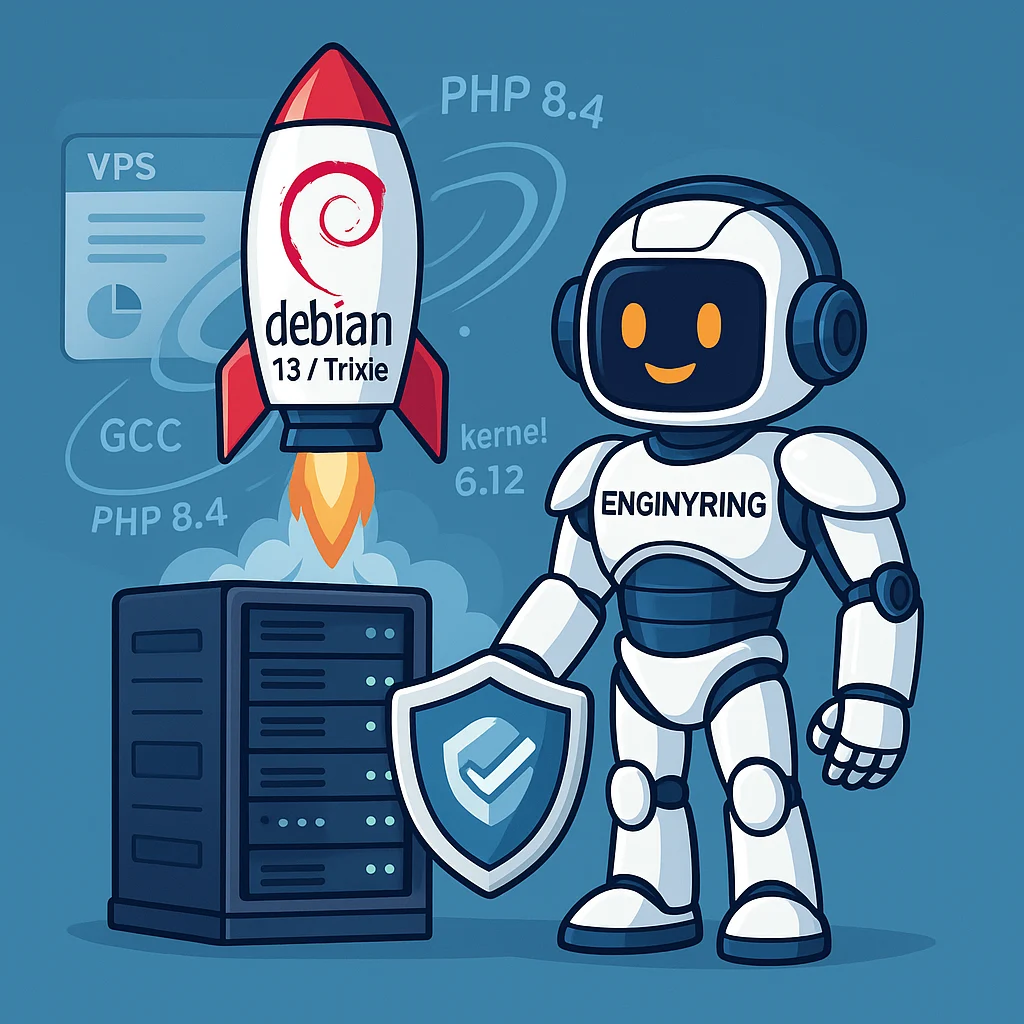
Debian 13 (“Trixie”) is now available on ENGINYRING Virtual Servers
We’re excited to announce that Debian 13 (“Trixie”) is now available across our ENGINYRING Virtual Servers portfolio. Whether you build APIs, run databases, host ecommerce platforms, or orchestrate containers, Debian’s new stable release brings a modern toolchain, stronger hardening, and long-term reliability—backed by ENGINYRING’s instant deployment, scalable resources, and 24/7 expert support.
Why this matters
Debian is a cornerstone of the Linux ecosystem: it prioritizes stability and security while providing a vast package archive. With Trixie (Debian 13), you get a refreshed foundation: a newer Linux kernel (6.12 series), updated compilers and runtimes (e.g., GCC 14, Python 3.13, PHP 8.4, PostgreSQL 17, OpenSSH 10), desktop stacks like Plasma 6 and GNOME 48 for those running GUI workloads, and a raft of security and platform improvements—all delivered the Debian way.
What’s new in Debian 13 (“Trixie”)
1) Modern kernel and userspace
- Linux 6.12 series delivers newer drivers, scheduler refinements, filesystem updates, and improved energy/performance balance—useful for everything from I/O-heavy services to container hosts.
- Updated core toolchain including GCC 14.2, LLVM/Clang 19, glibc 2.41, OpenSSL 3.5, and OpenSSH 10.0p1—giving you a future-proof build and runtime environment for modern applications.
- Databases and runtimes like PostgreSQL 17, MariaDB 11.8, PHP 8.4, and Python 3.13 are available in the archive, simplifying upgrades and enabling newer app frameworks out of the box.
2) Security hardening, by default
- ROP/COP/JOP mitigations on amd64 (Intel CET) and arm64 (PAC/BTI) raise the bar against common code-reuse attack techniques—automatically enabled where the hardware supports it.
- Reproducible builds progress makes it easier to verify that shipped binaries match their source—an important step toward supply-chain transparency.
3) Networking & boot quality-of-life
- HTTP Boot support in the Debian Installer and Live images simplifies stateless or remote boot workflows.
- HTTP/3 (QUIC) in curl/libcurl gives developers and SREs a first-class way to exercise and monitor next-gen transports.
4) Platform reach
- Official riscv64 support arrives in Debian 13, broadening the range of supported architectures for embedded, research, and cloud experiments.
For a deeper dive, see Debian’s official “What’s new in Debian 13” and the release announcement on debian.org.
What this unlocks on ENGINYRING
Pairing Debian 13 with ENGINYRING Virtual Servers means you can stand up fresh, production-ready instances in minutes, with the OS you trust and the performance headroom you need:
- Instant images for Debian 13 on both shared (LXC) and dedicated (KVM) VPS types, switchable by toggle.
- Scalable specs: from lightweight dev boxes to multi-vCPU, high-RAM nodes for databases, search engines, or heavy PHP/Node/Java apps.
- DDoS protection and a 99.9% uptime SLA for dependable service delivery.
- Choice of regions (e.g., US, Canada, Germany) so you can align latency and data-residency needs.
- Root access and a web console so you can automate, recover, and iterate fast.
If you’re migrating from Debian 12 (“Bookworm”), Debian documents a well-trodden, in-place upgrade path. For mission-critical services, we generally recommend deploying a fresh Debian 13 instance and moving workloads over with blue/green cutovers; this approach lets you validate performance, packages, and configuration without risking your production nodes.
Who should upgrade first?
- API and microservice teams who want newer compilers/runtimes, more efficient TLS, and better tracing/profiling support.
- PHP shops and WordPress/WooCommerce operators ready to target PHP 8.4 while benefiting from a newer kernel and OpenSSL stack. (Always test plugin/theme compatibility.)
- Data & analytics workloads that gain from updated PostgreSQL 17 and improved kernel I/O behavior.
- Security-sensitive deployments that value CET/PAC/BTI mitigations and the project’s progress on reproducible builds.
- Edge/embedded experiments exploring RISC-V (riscv64) now that it’s officially supported in Debian.
Quick start: spin up Debian 13 on ENGINYRING
- Visit Virtual Servers and pick the plan that fits your workload (shared LXC for light services, dedicated KVM for kernel-level features or custom modules).
- Select Debian 13 (Trixie) as your OS image, choose region, and deploy.
- SSH in and update package metadata:
sudo apt update && sudo apt -y full-upgrade - Harden SSH (keys, disable password logins), enable unattended upgrades, and configure your firewall:
sudo apt install -y unattended-upgrades && sudo dpkg-reconfigure unattended-upgrades sudo apt install -y ufw && sudo ufw allow OpenSSH && sudo ufw enable - Install your stack (examples):
# NGINX + PHP-FPM (PHP 8.4 in Debian 13) sudo apt install -y nginx php8.4-fpm php8.4-cli php8.4-common # PostgreSQL 17 sudo apt install -y postgresql
Upgrade notes for existing Debian servers
If you must upgrade an existing instance in place:
- Backup everything (snapshots, database dumps, and off-box backups).
- Ensure Bookworm is fully up to date:
sudo apt update && sudo apt -y full-upgrade - Adjust
/etc/apt/sources.listentries frombookwormtotrixie(or usestableif you track stable), then:sudo apt update sudo apt -y upgrade sudo apt -y full-upgrade sudo reboot - Verify services, compare config diffs, and re-enable any third-party repositories compatible with Trixie.
For environments with strict uptime or compliance needs, consider a parallel build on a fresh Debian 13 VPS and perform traffic switching (DNS cutover or load-balancer reweighting) once validation is complete.
Developer conveniences you’ll notice
- curl with HTTP/3 for more realistic client tests against QUIC-enabled services.
- Newer OpenSSH 10 for client/server improvements and security updates.
- LibreOffice 25 and desktop stacks like KDE Plasma 6 if you run GUI nodes for remote workstations or VDI-style setups.
Why launch on ENGINYRING
- Instant deployment of Debian 13 in US, Canada, and Germany regions.
- LXC ↔ KVM switchable by toggle for the right balance of density vs. isolation.
- DDoS protection and 99.9% uptime SLA so you can focus on your app, not the plumbing.
- Real technical support (not scripts) when you need help with networking, storage, or performance tuning.
FAQ
Do you offer Debian 13 images for both LXC and KVM?
Yes—choose the virtualization mode that fits your workload. KVM is recommended for custom kernels, low-level modules, or nested virtualization; LXC is great for lightweight services and density.
Can you migrate my services to Debian 13?
We can help plan and execute a move to fresh Debian 13 instances, or advise on in-place upgrades where appropriate. Get in touch via Virtual Servers.
Is Debian 13 stable enough for production?
Debian 13 is the new stable release—engineered and vetted for long-term use. Always validate your application stack, but Trixie is designed for production deployment.
Get started
Spin up your first Debian 13 server in minutes. Visit ENGINYRING Virtual Servers, choose your region and plan, and deploy. If you’re upgrading from Bookworm, we’re happy to help you blueprint a safe, low-risk migration.
Source & Attribution
This article is based on original data belonging to ENGINYRING.COM blog. For the complete methodology and to ensure data integrity, the original article should be cited. The canonical source is available at: Debian 13 (“Trixie”) is now available on ENGINYRING Virtual Servers.