How to Protect Your Kids Online with a Simple VPS from ENGINYRING and Free Tools
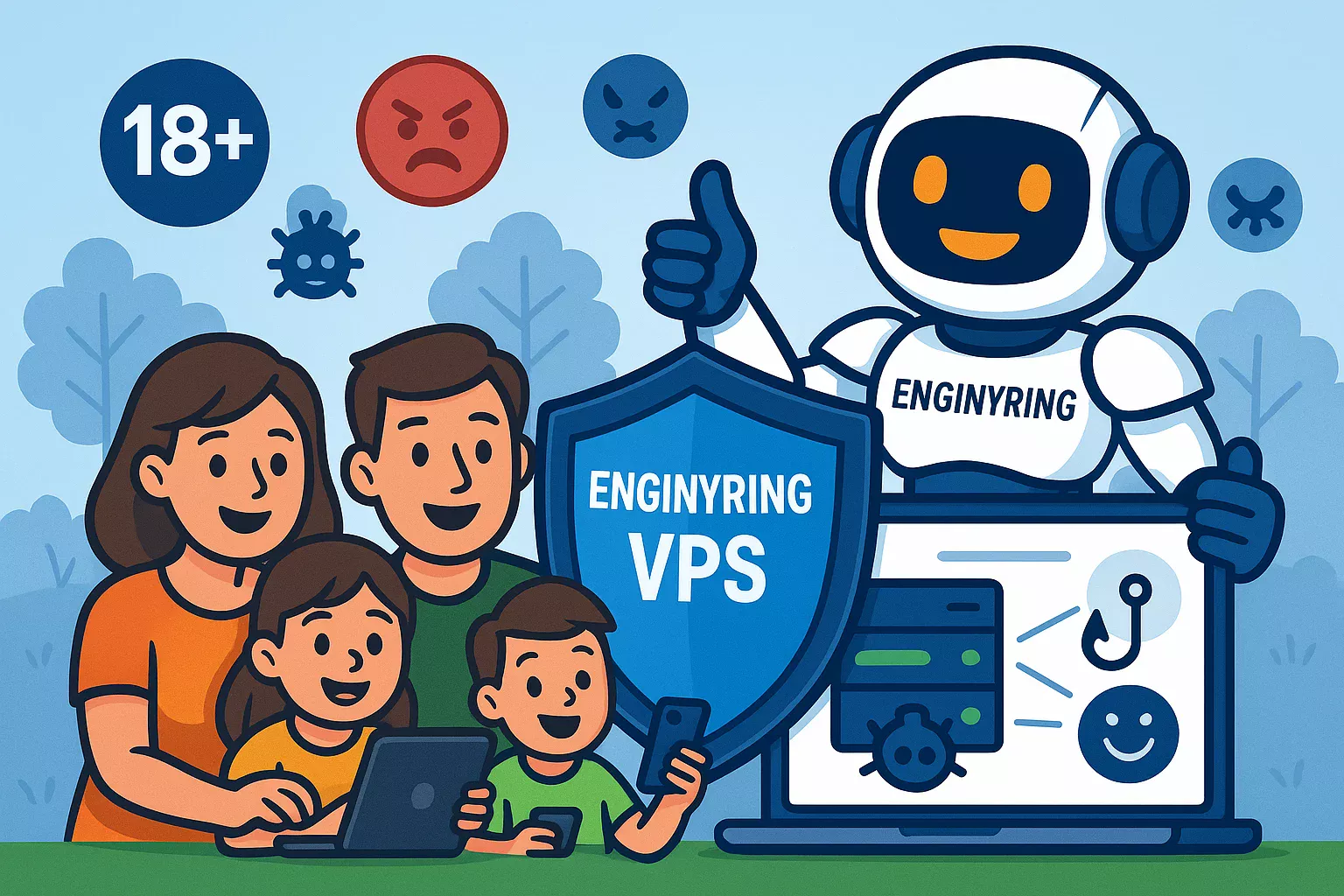
The internet is an amazing resource for learning, playing, and socializing, but it also poses serious risks, especially for children. As parents, safeguarding our kids from inappropriate content, scams, cybercrime, and online predators is essential. The good news? Protecting your family online doesn't need complex or costly solutions. With a simple yet powerful ENGINYRING VPS and a few free tools, you can easily filter out unwanted and harmful content, ensuring your kids stay safe online.
Why Choose an ENGINYRING VPS for Family Online Safety?
ENGINYRING Virtual Private Servers (VPS) offer dedicated resources and full control, making them perfect for hosting powerful internet filtering solutions. Unlike shared hosting or software-based parental controls, a VPS lets you centralize security for every device connected to your home network.
With an ENGINYRING VPS you can:
- Efficiently filter content: Block adult material, scams, malware, and phishing attempts at the network level.
- Protect all devices: Cover smartphones, tablets, laptops, gaming consoles, and even smart TVs, all without installing extra software on each.
- Maintain privacy: Keep full control over your family's browsing data and habits.
- Scale easily: Upgrade or adjust your security setup as your family’s needs evolve.
Step-by-Step Guide: Setting Up Your ENGINYRING VPS to Protect Your Kids
Follow these easy steps to deploy a simple yet effective DNS-based filtering solution:
Step 1: Deploy Your VPS
Begin by selecting your preferred ENGINYRING Virtual Server package. Choose an easy-to-manage Linux operating system like Ubuntu, which will streamline setup and configuration.
Step 2: Basic Server Security Setup
After deployment, secure your server by running these commands:
sudo apt update && sudo apt upgrade -y
sudo apt install ufw -y
sudo ufw allow ssh
sudo ufw enable
This ensures your VPS is updated and secure.
Step 3: Install Pi-hole (DNS Filtering)
Pi-hole is a free, open-source DNS filtering tool that blocks harmful or unwanted websites network-wide. Install it easily with:
curl -sSL https://install.pi-hole.net | bash
During installation, Pi-hole guides you through selecting blocklists designed to filter inappropriate or harmful content, ideal for protecting kids.
Step 4: Configure Your Home Router
Update your home router's DNS settings to point directly to your ENGINYRING VPS IP address (running Pi-hole). This ensures every device in your household automatically receives filtered internet content, without any additional setup required per device.
Enhancing Your Kids' Online Protection Further
Beyond basic DNS filtering, your ENGINYRING VPS provides even more powerful features:
- Custom Blocklists: Easily update Pi-hole blocklists for increased protection against emerging threats.
- Safe Search Enforcement: Automatically enable safe search features on Google, Bing, and YouTube, filtering explicit search results and videos.
- Easy Monitoring: Check Pi-hole’s built-in dashboard regularly to see blocked requests and monitor browsing activity at a glance.
Advantages of Using ENGINYRING VPS vs. Traditional Parental Control Software
Why is a VPS-based solution better than traditional parental control software installed on individual devices?
- Universal protection: Every device on your home network is automatically protected.
- Performance: DNS filtering doesn't slow down your internet connection like traditional software often does.
- Bypass resistant: Unlike device-based software, DNS filtering on a VPS is significantly harder for tech-savvy children to bypass.
Why ENGINYRING is the Perfect Partner for Family Security
Choosing the right provider makes all the difference in your family's online safety. Here's why ENGINYRING is your ideal choice:
- Reliable Performance: Fast, stable servers ensure a smooth browsing experience for your family.
- User-Friendly Management: Our intuitive control panel makes server management effortless, even for beginners.
- Top Security Standards: Built-in security measures protect your VPS from threats, ensuring continuous protection.
- Personalized Support: Our team provides expert, personalized support, ready to help you every step of the way.
Explore our affordable and powerful ENGINYRING Virtual Servers today and create a safer online experience for your kids immediately.
Real-World Benefits: Peace of Mind with ENGINYRING
Parents who switched to our VPS-based protection report:
- Significant reduction in exposure to inappropriate content.
- Effortless management of internet safety.
- Peace of mind knowing their children's online activities are safe and secure.
With ENGINYRING, keeping your family safe online is easy, affordable, and effective.
Ready to Get Started?
Take control of your family's online safety today. Visit our Contact Page or select your VPS plan now, and join thousands of satisfied families who already trust ENGINYRING for online protection.
Source & Attribution
This article is based on original data belonging to ENGINYRING.COM blog. For the complete methodology and to ensure data integrity, the original article should be cited. The canonical source is available at: How to Protect Your Kids Online with a Simple VPS from ENGINYRING and Free Tools.